The Singleton Advantage: Managing Configurations in .NET
In the world of software development, managing configurations efficiently is crucial for application performance and security. This article delves into the advantages of using the singleton pattern in .NET Core for configuration management. We will explore techniques such as lazy loading, ensuring thread safety, and securely accessing Azure Key Vault.
Development Series — 24 articles
- Decorator Design Pattern - Adding Telemetry to HttpClient
- NuGet Packages: Benefits and Challenges
- Mastering Git Repository Organization
- CancellationToken for Async Programming
- Git Flow Rethink: When Process Stops Paying Rent
- Understanding System Cache: A Comprehensive Guide
- Guide to Redis Local Instance Setup
- Creating a PHP Website with ChatGPT
- TaskListProcessor - Enterprise Async Orchestration for .NET
- Harnessing the Power of Caching in ASP.NET
- Fire and Forget for Enhanced Performance
- Building Resilient .NET Applications with Polly
- The Singleton Advantage: Managing Configurations in .NET
- Troubleshooting and Rebuilding My JS-Dev-Env Project
- Generate Wiki Documentation from Your Code Repository
- My Journey as a NuGet Gallery Developer and Educator
- Architecting Agentic Services in .NET 9: Semantic Kernel
- The Building of React-native-web-start
- TailwindSpark: Ignite Your Web Development
- Evolving PHP Development
- Modernizing Client Libraries in a .NET 4.8 Framework Application
- Building Git Spark: My First npm Package Journey
- Dave's Top Ten: Git Stats You Should Never Track
- Getting to Know Your Repository with git-spark
Filed under Pragmatic architecture and modernization
Topic cluster
Software Development Patterns.NET development, API integration, implementation patterns, and the trade-offs that show up in working code.
Managing Configurations in .NET Core
In ASP.NET Core applications, choosing between a static class and a singleton pattern for managing shared resources or services can have significant implications for the design, scalability, and maintainability of the application. Here’s a breakdown of the pros and cons of each approach
Static Class vs Singleton Pattern
Discover the key differences between static classes and singleton patterns in ASP.NET Core applications, and learn when to use each for optimal design, scalability, and maintainability.
Static Class
Pros:
Simplicity
Static classes are easy to implement and use. There's no need to manage the lifecycle of an instance, and you can directly access methods and properties without instantiating the class.
Global Access
Static members are globally accessible, which can be convenient for utility functions or services that are truly stateless and require no configuration or initialization.
No Overhead
Static classes do not involve instance management, which can reduce the overhead associated with object creation and garbage collection.
Thread Safety
If the static class only contains immutable data or purely functional methods, it can be naturally thread-safe without any additional synchronization mechanisms.
Cons:
Lack of Flexibility
Static classes are rigid. You can't implement interfaces with them or inject them into other classes, which makes them less flexible when compared to singleton instances.
Testing Challenges
Static classes can be harder to mock and test because you can't replace them with test doubles or mock objects. This makes unit testing more difficult, especially in large and complex applications.
No Lifecycle Management
Static classes do not have lifecycle management, which means you can't control their initialization or disposal. This can be a drawback if the class holds resources like database connections or file handles.
Global State Issues
If a static class holds state, it can lead to unintended side effects or bugs, particularly in web applications where multiple requests are handled concurrently. This can make the application harder to reason about and debug.
Singleton Pattern
Pros:
Controlled Instantiation
The singleton pattern ensures that only one instance of the class is created, and it provides a global point of access to that instance. This is useful for services that require a single shared instance, like configuration providers or logging services.
Dependency Injection Compatibility
Singletons are compatible with ASP.NET Core's built-in dependency injection (DI) system, which allows them to be injected into other classes. This promotes loose coupling and makes the code more modular and testable.
Lifecycle Management
When using DI, the singleton's lifecycle is managed by the framework, meaning it can be initialized once and cleaned up when the application shuts down. This is useful for managing resources like connections or expensive initialization tasks.
Singleton Thread Safety
Singleton instances can be designed with thread safety in mind. ASP.NET Core’s DI system ensures that singletons are created in a thread-safe manner, so you don’t have to worry about concurrency issues.
Cons:
Complexity
Implementing a singleton can be more complex than using a static class, especially if you need to handle lazy initialization, thread safety, or resource management.
Potential Memory Bloat
Since the singleton instance lives for the lifetime of the application, it can lead to memory bloat if it holds onto resources that are no longer needed but aren't properly disposed of.
Difficult to Replace
While easier to replace than static classes, singletons can still pose challenges when testing, especially if the singleton is deeply embedded in the application.
Overuse
Singletons can be overused or misused, leading to poor design decisions where the singleton pattern is applied inappropriately. This can result in tightly coupled code and reduced flexibility.
When to Use Each
Use a Static Class When
Use a static class when you have a set of utility functions that are stateless and do not need to be replaced, injected, or initialized. Examples include mathematical functions, string manipulation utilities, or configuration readers that don't require dynamic input.
Use a Singleton When
Use a singleton when you have a service that needs to be shared across multiple components, has state that needs to be preserved, or holds onto resources that should be managed throughout the application’s lifecycle. Examples include database connection pools, logging services, or configuration providers.
Summary
Static classes are simple and efficient but inflexible and harder to test.
Singletons offer controlled instantiation, are compatible with DI, and provide lifecycle management, making them more suitable for services that require shared state or resources in ASP.NET Core applications. However, they come with more complexity and potential pitfalls if not used carefully.
Why You Should Use a Singleton for Configuration Values Instead of a Static Class
The Static Class Approach
A static class is often the go-to for storing configuration values because it’s simple and straightforward. Static classes are easy to implement, and their members are globally accessible without needing to instantiate an object. However, this approach has some significant drawbacks:
No Flexibility for Updates
Static classes do not allow for easy updates to their values. Once the application starts, the values are effectively frozen, making it difficult to apply any changes without restarting the application.
Hidden Global State
If the static class holds state (like configuration values), it can introduce global state management issues, especially in multi-threaded applications. This can lead to bugs that are difficult to trace.
Hard-to-Test Code
Static classes can be challenging to mock or substitute during unit testing, which can lead to more complex test setups or reduced test coverage.
The Case for Singleton
In contrast, a singleton pattern provides a more robust and flexible solution for managing configuration values that might need to be updated during the application's lifecycle. Here are the key benefits:
Controlled Updates and Lifecycle Management
A singleton allows you to encapsulate the configuration values within a single, globally accessible instance. Unlike static classes, a singleton can have its values updated at runtime. Since the singleton's lifecycle is managed by the application, it can be designed to handle updates in a controlled and thread-safe manner.
Dependency Injection (DI) Compatibility
ASP.NET Core's built-in dependency injection (DI) framework naturally supports singletons. You can inject the configuration singleton into services, controllers, or other components, promoting a modular and testable design. This compatibility with DI is a significant advantage over static classes, which cannot be injected.
Thread-Safe Updates
Singletons can be designed with thread safety in mind, ensuring that updates to the configuration values are handled without race conditions or other concurrency issues. This is particularly important in web applications where multiple requests may be processed simultaneously.
Easy Testing
Since a singleton is instantiated via the DI system, it can be easily replaced with a mock or stub during unit tests. This makes it easier to isolate the behavior of your application during testing, leading to better test coverage and more maintainable code.
Choosing a Pattern for Your Configuration Data in .NET 8
Selecting the right pattern for managing configuration data in your .NET 8 application is crucial for ensuring scalability, maintainability, and performance. Here’s a breakdown of several popular patterns you might consider:
Singleton Pattern
The Singleton pattern is ideal for managing global configuration values that should be shared across the application. It ensures that only one instance of the configuration class exists, and can be combined with lazy loading to optimize performance.
Pros: Easy to implement, thread-safe, and integrates well with ASP.NET Core's Dependency Injection (DI) system.
Cons: May be overused or misapplied, potentially leading to tightly coupled code.
Factory Pattern
The Factory pattern allows you to create configuration objects on demand, which can be particularly useful when your application needs to support multiple configurations or environments.
Pros: Centralizes the creation logic, making it easier to manage different configurations.
Cons: Adds complexity, especially if the application only needs a single configuration instance.
Observer Pattern
The Observer pattern is useful for scenarios where configuration changes need to notify other parts of the application. This pattern decouples configuration management from the application logic.
Pros: Enables dynamic updates and decouples configuration from application logic.
Cons: Can introduce complexity in managing observers and handling notifications.
Configuration Provider Pattern
ASP.NET Core’s Configuration Provider pattern allows you to create custom providers for loading configuration values, including from Azure Key Vault. This pattern seamlessly integrates with the built-in configuration system.
Pros: Offers clean integration with ASP.NET Core’s configuration pipeline, supporting multiple sources.
Cons: Requires a deeper understanding of the configuration provider system and can add boilerplate code.
Adapter Pattern
The Adapter pattern is useful when you need to provide a consistent interface for accessing configuration values, regardless of their source. This pattern is especially handy when switching between different configuration systems.
Pros: Promotes flexibility and allows for easy swapping of configuration sources.
Cons: Adds an extra layer of abstraction, which can complicate debugging and maintenance.
Decorator Pattern
The Decorator pattern allows you to add additional behavior to your configuration objects, such as caching, logging, or validation. This can be done dynamically, without modifying the underlying configuration class.
Pros: Enhances extensibility and can be used to add cross-cutting concerns like caching and logging.
Cons: Can introduce complexity, especially with multiple decorators.
Proxy Pattern
The Proxy pattern can control access to configuration values, such as implementing lazy loading or security checks. This pattern is ideal for managing sensitive data retrieved from Azure Key Vault.
Pros: Adds control over access, supporting lazy loading and security enforcement.
Cons: Adds an additional layer of complexity and requires careful management to ensure thread safety.
Explore More
- Decorator Design Pattern - Adding Telemetry to HttpClient -- Adding Telemetry to HttpClient in ASP.NET Core
- UISampleSpark: A Developer's Swiss Army Knife -- Part 1 of the UISampleSpark Series: The Foundation
- NuGet Packages: Benefits and Challenges -- Exploring the Pros and Cons of NuGet Packages
- Mastering Git Repository Organization -- Enhance Collaboration and Project Management with Git
- Guide to Redis Local Instance Setup -- Master the Setup of Redis on Your Local Machine
Related project evidence
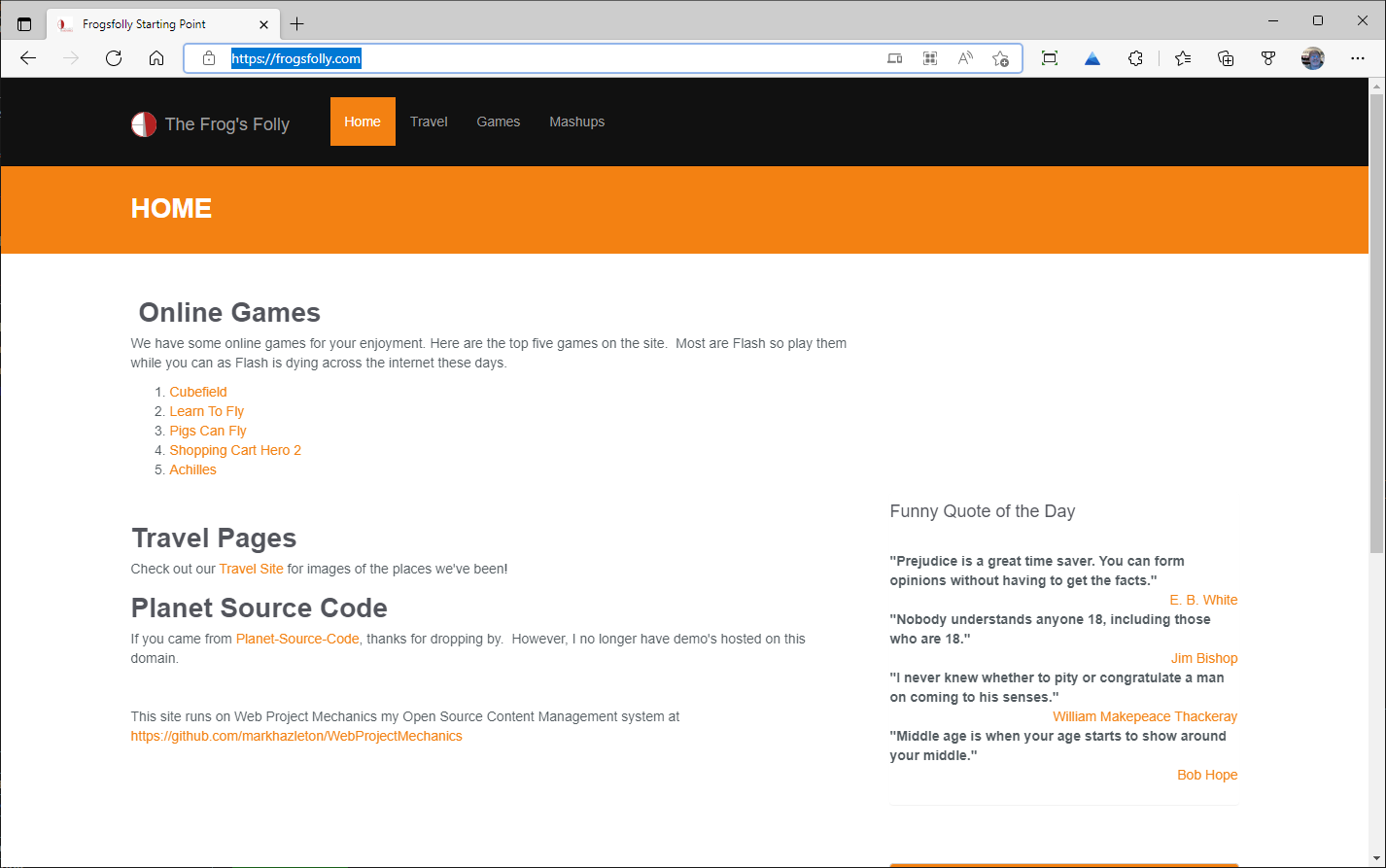
Frogsfolly.com Main
Frogsfolly.com is the original website I created in 1999 when learning web technologies.
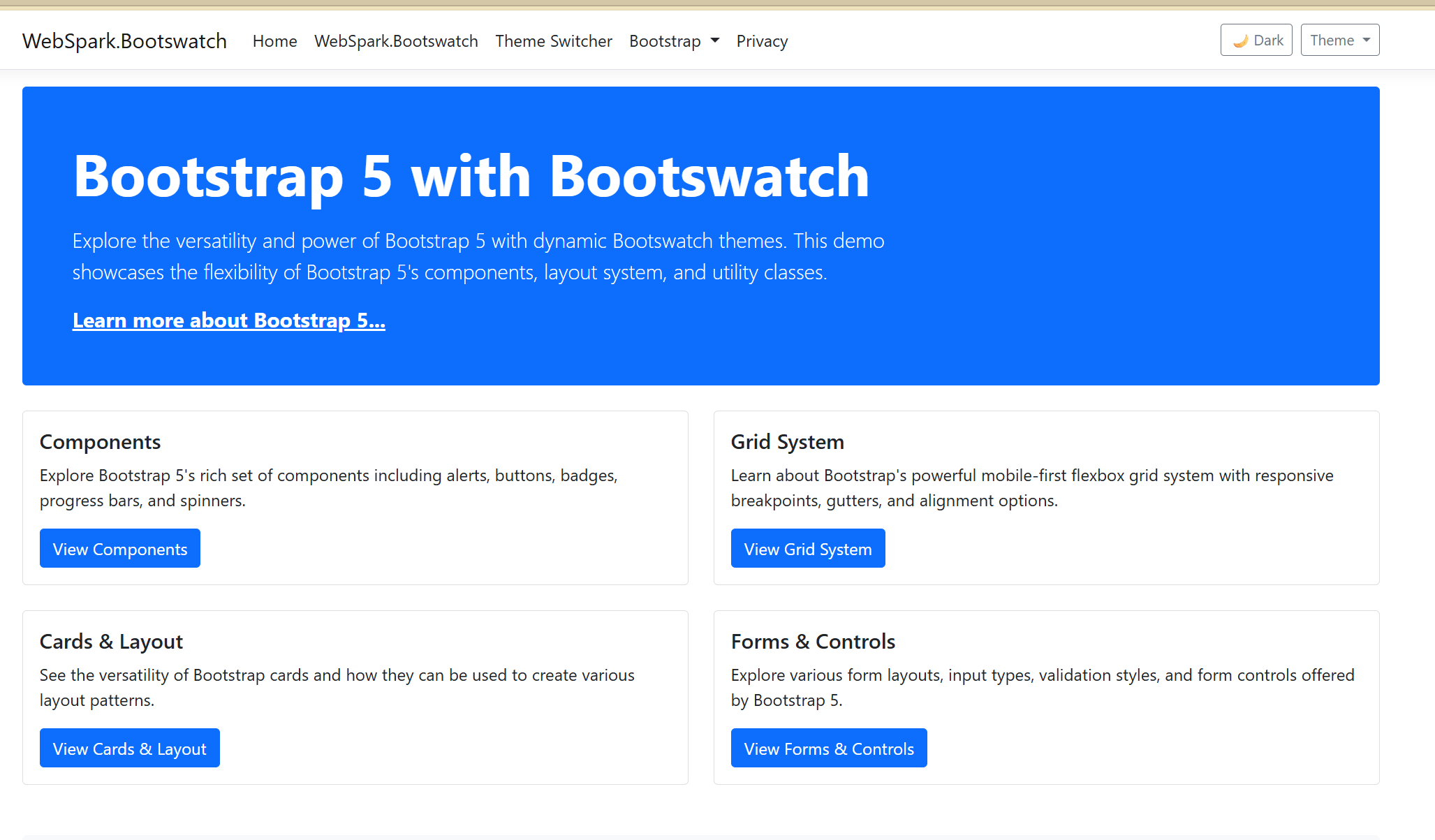
WebSpark Bootswatch Theme Integration Library
WebSpark.Bootswatch is a .NET Razor Class Library (NuGet package) enabling seamless Bootswatch theme integration into ASP.NET Core applications. Version 2.0+ targets .NET 10 exclusively, featuring dynamic theme switching, light/dark mode with auto-detection, tag helper support, and high-performance StyleCache caching.
Thousands of NuGet downloads

FastEndpointApi
Comprehensive demonstration of the FastEndpoints framework for ASP.NET Core, implementing a Person Management API using the REPR (Request-Endpoint-Response) pattern.
Working through something similar?
If this maps to something you're working on, I'm glad to compare notes. Start with the system and the constraint that matters most.