NuGet Packages: Benefits and Challenges
NuGet packages are essential for .NET developers, offering ease of integration and robust community support. However, they come with challenges like dependency management and security risks. This article explores these aspects in detail.
Development Series — 24 articles
- Decorator Design Pattern - Adding Telemetry to HttpClient
- NuGet Packages: Benefits and Challenges
- Mastering Git Repository Organization
- CancellationToken for Async Programming
- Git Flow Rethink: When Process Stops Paying Rent
- Understanding System Cache: A Comprehensive Guide
- Guide to Redis Local Instance Setup
- Creating a PHP Website with ChatGPT
- TaskListProcessor - Enterprise Async Orchestration for .NET
- Harnessing the Power of Caching in ASP.NET
- Fire and Forget for Enhanced Performance
- Building Resilient .NET Applications with Polly
- The Singleton Advantage: Managing Configurations in .NET
- Troubleshooting and Rebuilding My JS-Dev-Env Project
- Generate Wiki Documentation from Your Code Repository
- My Journey as a NuGet Gallery Developer and Educator
- Architecting Agentic Services in .NET 9: Semantic Kernel
- The Building of React-native-web-start
- TailwindSpark: Ignite Your Web Development
- Evolving PHP Development
- Modernizing Client Libraries in a .NET 4.8 Framework Application
- Building Git Spark: My First npm Package Journey
- Dave's Top Ten: Git Stats You Should Never Track
- Getting to Know Your Repository with git-spark
Filed under Pragmatic architecture and modernization
Topic cluster
Software Development Patterns.NET development, API integration, implementation patterns, and the trade-offs that show up in working code.
A Comprehensive Analysis of Using NuGet Packages in Your Projects
Written by Mark Hazleton
Published
min read
NuGet packages can be a valuable resource when building software projects. They allow developers to easily add new functionality to their projects without having to write code from scratch. However, there are also risks associated with using NuGet packages. In this comprehensive analysis, we'll explore the pros and cons of using NuGet packages in your projects and how to assess the risks involved.
What is NuGet, and why should businesses care about it?
A package manager is a tool that automates the process of installing, updating, configuring, and removing software packages. A software package is a collection of code, libraries, and other dependencies that implement a piece of functionality. Package managers make it easy for developers to manage dependencies and keep their projects up-to-date.

NuGet is a package manager for the .NET framework that allows developers to easily install, manage, and update packages in their projects. It was first introduced in 2010 and has become the standard package manager for .NET. In the package manager space, NuGet competes with other package managers such as NPM for Node.js, Composer for PHP, and RubyGems for Ruby. These package managers provide similar functionality, allowing developers to easily manage and share packages with their projects.
Business Value Using NuGet packages can be a cost-effective way to speed up development and reduce the amount of custom code. By leveraging existing libraries and components, developers can focus on building the unique parts of their application that provide the most value to the project.
However, as with any tool or technology, there are risks and considerations that businesses need to be aware of when using NuGet packages.
Pros of Using NuGet Packages
Easy to add new functionality
NuGet packages provide a quick and easy way to add new functionality to your project. This saves time and effort, especially for complex features.
Reduces development costs
By using NuGet packages, developers can reduce the cost of development as they do not have to write code from scratch. This allows them to focus on other critical aspects of the project.
Increases productivity
NuGet packages allow developers to work more efficiently and deliver projects faster. This is because they can reuse code that has already been developed and tested.
Cons of Using NuGet Packages
Risk of maintaining the current version
NuGet packages are developed by third-party vendors and the responsibility of maintaining the current version of the package falls on the developer. This can be a risk as it requires additional effort to keep up with updates and potential breaking changes.
Dependency on external sources
NuGet packages introduce external dependencies into the project, which can be problematic if the package is discontinued or the organization supporting it is not reliable.
Security vulnerabilities
NuGet packages are developed by third-party vendors, and the security of the package is dependent on the organization supporting it. This can be a risk as it requires additional effort to keep up with updates and potential security vulnerabilities.
Assessing the Risks of Using NuGet Packages
Before adopting any NuGet package, it's crucial to evaluate several key factors that indicate the package's reliability, security, and long-term viability.
Organization supporting the package
Before using a NuGet package, it is important to research the organization that is supporting it. It is advisable to choose a package that is supported by a reputable organization with a track record of maintaining their packages.
Popularity of the package
Popular NuGet packages are likely to be more stable and reliable than less popular ones. It is recommended to choose a package that has a high number of downloads and a large user community.
Frequency of updates
Regular updates to a NuGet package are an indication that the package is being actively maintained and developed. It is advisable to choose a package that is updated frequently to ensure that it remains compatible with the latest version of the platform.
Number of contributors
The number of contributors to a NuGet package is an indication of the level of support and maintenance that the package is receiving. It is advisable to choose a package that has a large number of contributors to ensure that it remains reliable and secure.
Number of open issues
The number of open issues for a NuGet package is an indication of the level of support and maintenance that the package is receiving. It is advisable to choose a package that has a low number of open issues to ensure that it remains reliable and secure.
Software costs
The cost of using a NuGet package is an important consideration when choosing a package. It is advisable to choose a package that is free or has a low cost to ensure that it is cost-effective for your project.
Licensing terms
The license of the NuGet package can affect the license of the product you build with it. For example, if a NuGet package has a permissive license like the MIT License, you can typically use it in your product without affecting your product's license. However, if a NuGet package has a copyleft license like the GPL License, you may need to use a copyleft license for your product as well. p.mb-0. This is because the copyleft license requires that derivative works (including products built with the package) are licensed under the same terms. Therefore, it's important to review the licensing terms of any NuGet package you use and ensure that it aligns with the licensing terms you want for your product.
Risks of Not Updating NuGet Packages
Critical Update Considerations
It is important to keep your NuGet packages up to date to avoid potential security vulnerabilities and incompatibilities with newer versions of the platform.
Security vulnerabilities
Not updating NuGet packages can lead to the exposure of security vulnerabilities that could be exploited by attackers. This can result in data breaches and other security incidents.
Incompatibility with newer versions
Not updating NuGet packages can also lead to incompatibility with newer versions of the platform. This can cause issues with the project's functionality and performance.
Potential loss of support
Not updating NuGet packages can also lead to the loss of support from the organization that is supporting the package. This can result in the package being discontinued, which can cause issues with the project's functionality and performance.
Conclusion
Key Takeaways
- Choose packages from reputable organizations with proven track records
- Evaluate popularity, update frequency, and community support
- Understand licensing implications for your project
- Maintain regular update schedules to address security vulnerabilities
- Balance the benefits of rapid development against dependency risks
NuGet packages can be a valuable resource for developers, but it is important to weigh the pros and cons before incorporating them into your project. Assessing the risks of using a particular NuGet package is crucial to ensure that it is reliable and secure. It is also important to keep your NuGet packages up to date to avoid potential security vulnerabilities and incompatibilities with newer versions of the platform.
Explore More
- Mastering Git Repository Organization -- Enhance Collaboration and Project Management with Git
- My Journey as a NuGet Gallery Developer and Educator -- From Creation to Education in the NuGet Ecosystem
- Decorator Design Pattern - Adding Telemetry to HttpClient -- Adding Telemetry to HttpClient in ASP.NET Core
- Guide to Redis Local Instance Setup -- Master the Setup of Redis on Your Local Machine
- CancellationToken for Async Programming -- Enhancing Task Management in Asynchronous Programming
Related project evidence
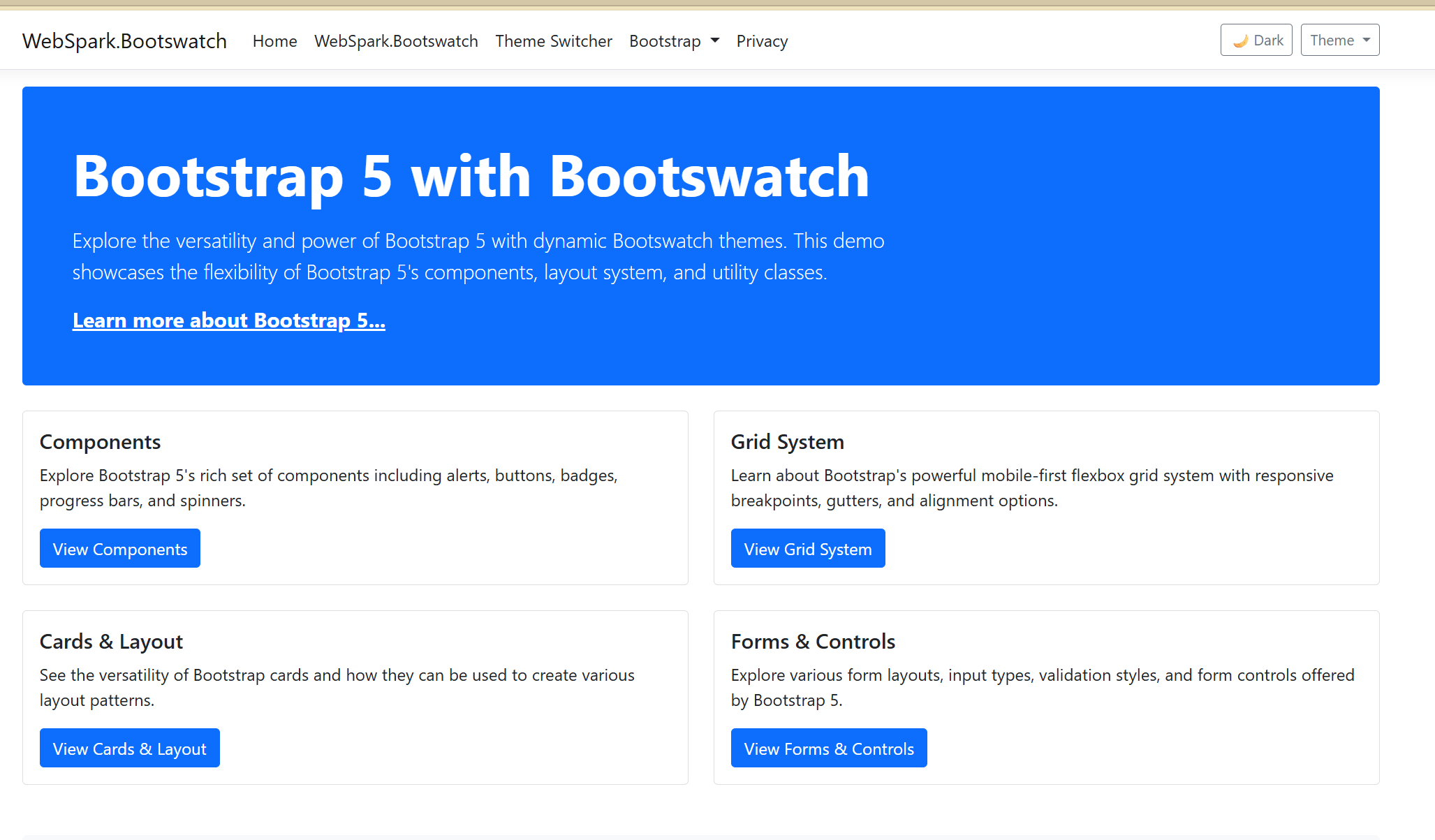
WebSpark Bootswatch Theme Integration Library
WebSpark.Bootswatch is a .NET Razor Class Library (NuGet package) enabling seamless Bootswatch theme integration into ASP.NET Core applications. Version 2.0+ targets .NET 10 exclusively, featuring dynamic theme switching, light/dark mode with auto-detection, tag helper support, and high-performance StyleCache caching.
Thousands of NuGet downloads
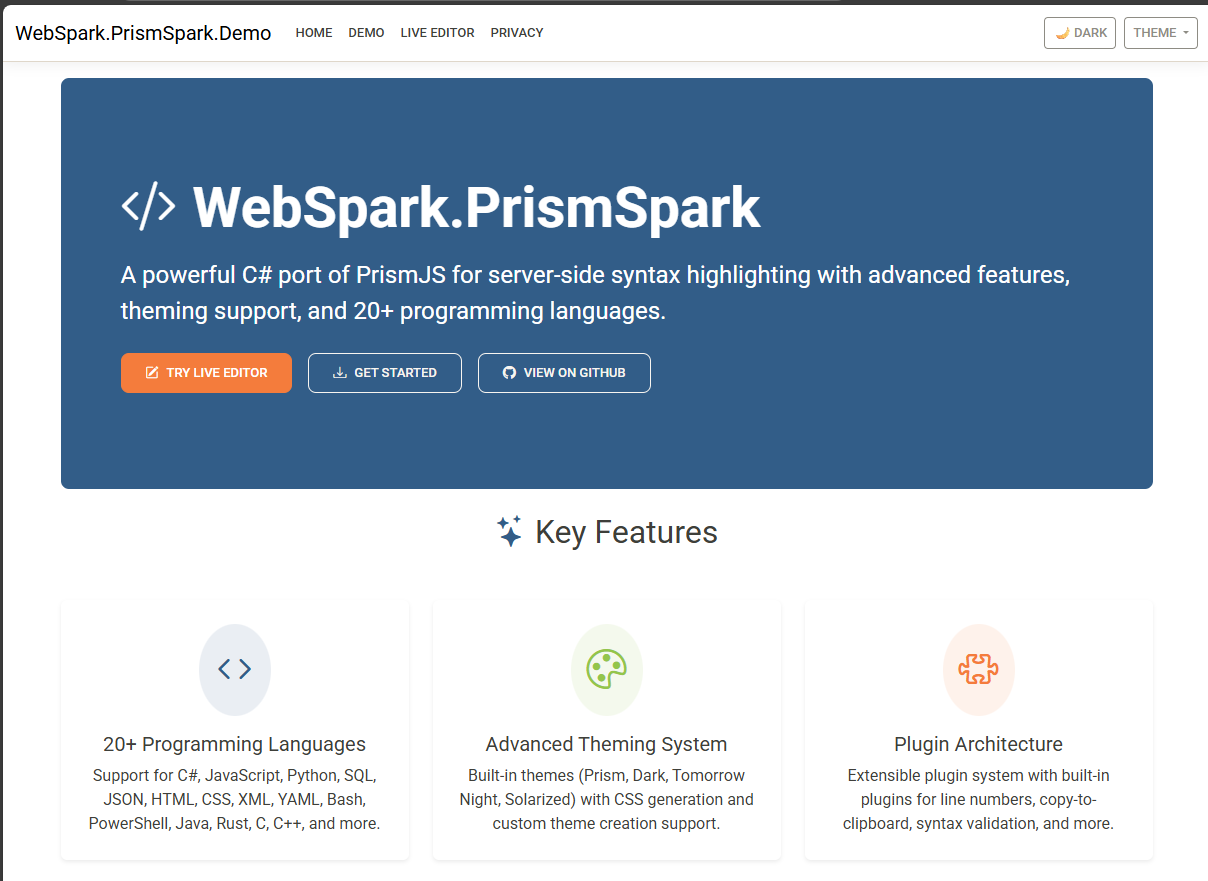
PrismSpark: Advanced C#/.NET Syntax Highlighting Library
PrismSpark is a high-performance .NET 10 library that ports PrismJS for server-side syntax highlighting. Features a plugin system (line numbers, copy-to-clipboard, toolbar), hook-based event system, theme engine with CSS generation, and ASP.NET Core MVC integration supporting 20+ languages.

ShareSmallBiz
A platform for small businesses to connect, share what works and market together. It didn't get traction, and it's waiting for a v2.
Working through something similar?
If this maps to something you're working on, I'm glad to compare notes. Start with the system and the constraint that matters most.