Generate Wiki Documentation from Your Code Repository
Creating detailed documentation is crucial for any code repository. This guide will walk you through the process of generating wiki documentation directly from your code repository, enhancing project transparency and collaboration.
Development Series — 24 articles
- Decorator Design Pattern - Adding Telemetry to HttpClient
- NuGet Packages: Benefits and Challenges
- Mastering Git Repository Organization
- CancellationToken for Async Programming
- Git Flow Rethink: When Process Stops Paying Rent
- Understanding System Cache: A Comprehensive Guide
- Guide to Redis Local Instance Setup
- Creating a PHP Website with ChatGPT
- TaskListProcessor - Enterprise Async Orchestration for .NET
- Harnessing the Power of Caching in ASP.NET
- Fire and Forget for Enhanced Performance
- Building Resilient .NET Applications with Polly
- The Singleton Advantage: Managing Configurations in .NET
- Troubleshooting and Rebuilding My JS-Dev-Env Project
- Generate Wiki Documentation from Your Code Repository
- My Journey as a NuGet Gallery Developer and Educator
- Architecting Agentic Services in .NET 9: Semantic Kernel
- The Building of React-native-web-start
- TailwindSpark: Ignite Your Web Development
- Evolving PHP Development
- Modernizing Client Libraries in a .NET 4.8 Framework Application
- Building Git Spark: My First npm Package Journey
- Dave's Top Ten: Git Stats You Should Never Track
- Getting to Know Your Repository with git-spark
Filed under Pragmatic architecture and modernization
Topic cluster
Software Development Patterns.NET development, API integration, implementation patterns, and the trade-offs that show up in working code.
Learn how to create a tool to generate detailed wiki documentation from your code repository. This is a step-by-step guide with best practices for developers.
Learn how to create a tool to generate detailed wiki documentation from your code repository. This is a step-by-step guide with best practices for developers.
What is DocSpark?
DocSpark is an innovative tool designed to help developers generate detailed, human-readable documentation directly from their code repository. It combines the power of modern development tools like .NET, Markdown, and JSON to create structured documentation in both JSON and Markdown formats. With DocSpark, you can automatically generate API documentation, class details, and method summaries with ease.
How Does DocSpark Work?
- DocSpark analyzes your codebase for class structures, methods, and properties.
- It extracts metadata such as XML comments, namespaces, routes, and inheritance details.
- Outputs structured data in JSON format for integrations and Markdown format for wikis.
Why Use DocSpark?
- Save time: Automate the tedious task of creating documentation.
- Consistency: Ensure uniform documentation across your project.
- Developer-friendly: Generate files ready for use in Markdown wikis and JSON APIs.
Step-by-Step Guide to Build DocSpark
Follow these steps to create and configure your own DocSpark tool:
- Step 1: Set Up Your Environment
- Ensure you have the latest version of .NET SDK installed.
- Install a code editor like Visual Studio or Visual Studio Code.
- Create a new .NET console application:
New .NET Console Application
- Step 2: Implement Core Services
- Create a
FileServiceto handle file I/O operations. - Implement a
SyntaxAnalysisServiceto parse your codebase and extract class and method details. - Add a
MarkdownGeneratorto format extracted data into Markdown documentation. - Add a
JSONExporterto serialize data into JSON format.
- Create a
- Step 3: Integrate Functionality in Program.cs
- Use the
FileServiceto retrieve source files from your repository. - Call the
SyntaxAnalysisServiceto extract structured metadata. - Save structured data to a JSON file for integrations.
- Use the
MarkdownGeneratorto create a Markdown document for wikis. - Write files to the designated output paths.
- Use the
- Step 4: Customize for API Documentation
- Enhance
ClassInfoto include route prefixes for API controllers. - Add method-specific routes for public API methods using attributes.
- Ensure API-specific documentation is well-organized in both JSON and Markdown outputs.
- Enhance
- Step 5: Test Your Implementation
- Run the tool against your code repository.
- Validate the JSON output for structure and accuracy.
- Verify that the Markdown file is well-formatted and includes correct links and routes.
Best Practices
- Use XML comments extensively in your code to ensure detailed and accurate documentation.
- Test the tool on a small subset of your codebase before running it on the entire repository.
- Keep your documentation files versioned using Git for traceability and collaboration.
- Generate documentation as part of your CI/CD pipeline to ensure it is always up-to-date.
Example Outputs
JSON Output
[
  {
    "Name": "MyApiController",
    "Namespace": "MyNamespace",
    "Comment": "API Controller for managing items.",
    "InheritedClass": "BaseController",
    "ImplementedInterfaces": ["ILoggerAware"],
    "RoutePrefix": "api/items",
    "Properties": [
      {
        "Name": "ItemName",
        "Type": "string",
        "Comment": "The name of the item."
      }
    ],
    "Methods": [
      {
        "Name": "GetItem",
        "ReturnType": "Item",
        "Route": "api/items/{id}",
        "Comment": "Fetch an item by its ID."
      }
    ]
  }
]
Markdown Output
## Class: MyApiController
Namespace: MyNamespace
**API Controller for managing items.**

- Route Prefix: api/items

### Public Properties:
- `ItemName`: `string`
  - **The name of the item.**

### Public Methods:
- `GetItem(int id)`: Returns `Item`
  - Route: `api/items/{id}`
  - **Fetch an item by its ID.**
Conclusion
DocSpark empowers developers to focus on coding while ensuring their documentation is detailed, consistent, and always up-to-date. Whether you’re building APIs or maintaining a complex application, DocSpark can streamline your workflow and enhance your team’s productivity. Start building your own DocSpark today and take your documentation process to the next level!
Using Microsoft.CodeAnalysis for API Documentation
Learn how Roslyn helps automate the creation of Markdown documentation for .NET APIs.
Microsoft.CodeAnalysis (Roslyn) is a powerful library that allows developers to analyze, modify, and compile .NET code. This article explains how to leverage Roslyn for automatically generating Markdown documentation for APIs.
Overview
The Microsoft.CodeAnalysis library, commonly referred to as Roslyn, provides powerful APIs to analyze, modify, and compile C# and VB.NET code. By leveraging Roslyn, developers can automate the generation of comprehensive Markdown documentation for .NET API projects.
Key Features
- Syntax analysis using Roslyn to parse
.csfiles and extract key information. - Dynamic route generation by analyzing
[Route]and HTTP verb attributes like[HttpGet]and[HttpPost]. - Automated detection of class-level and method-level routes.
- Inclusion of HTTP verbs in the documentation for clarity.
Implementation Highlights
Syntax Analysis
private string GetRoutePrefix(ClassDeclarationSyntax classDeclaration, string className)
{
  var routeAttribute = classDeclaration.AttributeLists
    .SelectMany(a => a.Attributes)
    .FirstOrDefault(a => a.Name.ToString().Contains("Route"));

  if (routeAttribute == null)
    return null;

  var routeArgument = routeAttribute.ArgumentList?.Arguments.FirstOrDefault()?.ToString().Trim('"');
  return AdjustRoutePrefix(routeArgument, className);
}
Route Combination
private string CombineRoutes(string classRoute, string methodRoute)
{
  if (string.IsNullOrWhiteSpace(classRoute))
    return methodRoute;

  if (string.IsNullOrWhiteSpace(methodRoute))
    return classRoute;

  return quot;{classRoute.TrimEnd('/')}/{methodRoute.TrimStart('/')}";
}
HTTP Verb Detection
private string GetHttpVerb(MethodDeclarationSyntax method)
{
  var httpVerbAttribute = method.AttributeLists
    .SelectMany(a => a.Attributes)
    .FirstOrDefault(a => new[] { "HttpGet", "HttpPost", "HttpPut", "HttpDelete" }.Contains(a.Name.ToString()));

  return httpVerbAttribute?.Name.ToString().Replace("Http", "").ToUpperInvariant() ?? "GET";
}
Sample Output
## WorkflowController
Namespace: `MyApp.Controllers`

**Handles workflow operations.**

### Public Methods:
- `DeleteNode(int nodeId)`: Returns `IActionResult` **Deletes a specific node.**
  - Route: `DELETE api/workflow/node/delete/{nodeId}`

- `SetWorkflow()`: Returns `IActionResult` **Sets a workflow.**
  - Route: `POST api/workflow/set`

- `GetNode(int nodeId)`: Returns `IActionResult` **Retrieves a specific node.**
  - Route: `GET api/workflow/node/{nodeId}`

- `UpdateNode()`: Returns `IActionResult` **Updates a node.**
  - Route: `PUT api/workflow/node/update`
History and Legacy of Roslyn
History of Microsoft.CodeAnalysis (Roslyn)
Origins of Roslyn
The code name "Roslyn" was first mentioned by Microsoft engineer Eric Lippert in 2010. The name is inspired by Roslyn, Washington, a filming location for the television series "Northern Exposure."
Open Source Transition
In April 2014, at the Build conference, Microsoft announced Roslyn's transition to open source, releasing it under the Apache License 2.0. This move aimed to foster community collaboration and transparency in compiler development.
Integration into Visual Studio
Roslyn was first released with Visual Studio 2015, providing developers with enhanced code analysis tools and real-time feedback within the IDE.
Visual Studio's IntelliSense, powered by Roslyn, offers real-time code suggestions, completions, and error detection. With the integration of IntelliSense and Roslyn, developers experience advanced code analysis and enhanced productivity.
Roslyn's APIs enable the creation of custom IntelliSense features, allowing developers to tailor code suggestions and refactoring tools to specific needs. This customization has revolutionized how developers interact with code in Visual Studio.
The Microsoft.CodeAnalysis libraries are at the heart of these improvements, providing robust support for building custom code analyzers, syntax highlighting, and tooling extensions that integrate seamlessly with the Visual Studio ecosystem.
Legacy and Impact
Roslyn has redefined compiler functionality by exposing APIs that allow for deep code analysis, refactoring, and scripting. Its open-source nature has encouraged a vibrant ecosystem of extensions and tools, solidifying its place as a cornerstone in modern .NET development.
AI Tools and Roslyn
Roslyn has also been instrumental in enabling AI-powered tools for developers. Tools like GitHub Copilot leverage Roslyn's deep code analysis capabilities to provide intelligent code suggestions and automations.
By combining Roslyn's APIs with machine learning models, these AI tools offer context-aware coding assistance, helping developers write code faster and more efficiently.
Additionally, tools like CodeRush and Refactor have utilized Roslyn to improve code navigation, refactoring, and overall productivity in the .NET ecosystem.
Explore More
- Decorator Design Pattern - Adding Telemetry to HttpClient -- Adding Telemetry to HttpClient in ASP.NET Core
- NuGet Packages: Benefits and Challenges -- Exploring the Pros and Cons of NuGet Packages
- Mastering Git Repository Organization -- Enhance Collaboration and Project Management with Git
- Guide to Redis Local Instance Setup -- Master the Setup of Redis on Your Local Machine
- CancellationToken for Async Programming -- Enhancing Task Management in Asynchronous Programming
Related project evidence
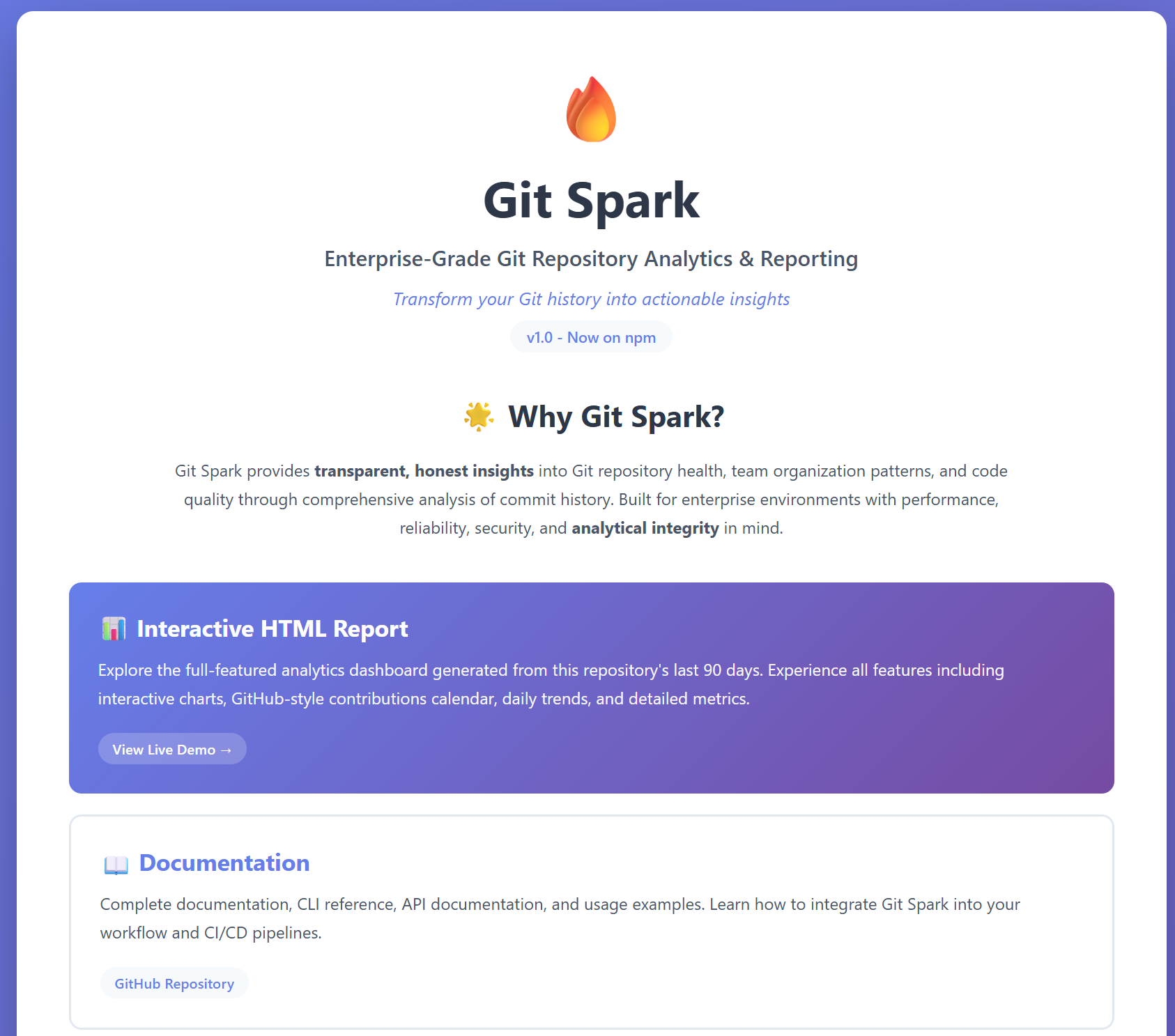
Git Spark: Advanced Git Repository Analytics Tool
Git Spark is an npm CLI tool and Node.js library that analyzes Git repository commit history to provide insights into contributor activity, code changes, and development patterns. Generates interactive HTML reports with charts, plus JSON, CSV, and Markdown exports.
Thousands of npm downloads

PHPDocSpark: PHP Documentation Platform
PHPDocSpark is an open-source PHP 8.2+ documentation and data exploration platform with a Vite 7.1 asset pipeline. Features include Markdown documentation viewer with full-text search, CSV data analysis, SQLite CRUD operations, GitHub API integration, Chart.js visualizations, and Azure Pipelines deployment.
GitHub Stats Spark
Automated GitHub profile statistics generator with AI-powered repository analysis, SVG visualizations, and the pipeline that feeds live repository data to this site.
Powers the repository stats on this site
Working through something similar?
If this maps to something you're working on, I'm glad to compare notes. Start with the system and the constraint that matters most.