Fire and Forget for Enhanced Performance
The Fire and Forget technique is a powerful method to enhance API performance by allowing tasks to proceed without waiting for a response. This approach is particularly beneficial in scenarios like Service Bus updates during user login, where immediate feedback is not required, thus improving overall system efficiency.
Development Series — 24 articles
- Decorator Design Pattern - Adding Telemetry to HttpClient
- NuGet Packages: Benefits and Challenges
- Mastering Git Repository Organization
- CancellationToken for Async Programming
- Git Flow Rethink: When Process Stops Paying Rent
- Understanding System Cache: A Comprehensive Guide
- Guide to Redis Local Instance Setup
- Creating a PHP Website with ChatGPT
- TaskListProcessor - Enterprise Async Orchestration for .NET
- Harnessing the Power of Caching in ASP.NET
- Fire and Forget for Enhanced Performance
- Building Resilient .NET Applications with Polly
- The Singleton Advantage: Managing Configurations in .NET
- Troubleshooting and Rebuilding My JS-Dev-Env Project
- Generate Wiki Documentation from Your Code Repository
- My Journey as a NuGet Gallery Developer and Educator
- Architecting Agentic Services in .NET 9: Semantic Kernel
- The Building of React-native-web-start
- TailwindSpark: Ignite Your Web Development
- Evolving PHP Development
- Modernizing Client Libraries in a .NET 4.8 Framework Application
- Building Git Spark: My First npm Package Journey
- Dave's Top Ten: Git Stats You Should Never Track
- Getting to Know Your Repository with git-spark
Filed under Pragmatic architecture and modernization
Topic cluster
Software Development Patterns.NET development, API integration, implementation patterns, and the trade-offs that show up in working code.
Optimizing API Performance with Asynchronous Processing
While working on a project, I encountered a practical challenge: how do I call an async method without waiting for it to process? The Fire and Forget pattern offers an elegant solution for enhancing API performance while maintaining system integrity.
The full source code for the Fire and Forget Utility is available on GitHub

Introduction
Fire-and-forget is a programming approach where tasks are sent off to be processed independently, without the initiating program tracking or waiting for the results of these tasks.
While working on a project, I encountered a practical challenge: how do I call an async method without waiting for it to process. I decided to explore the use of Fire and Forget technique in my AsyncSpark demo, which is now part of the WebSpark.HttpClientUtility library and NuGet package.
Introducing the WebSpark.HttpClientUtility NuGet Package
The Fire and Forget functionality is now part of the open-source WebSpark.HttpClientUtility library, available as a NuGet package for easy integration into your .NET projects.
Resources
- GitHub Repository: https://github.com/markhazleton/WebSpark.HttpClientUtility
- NuGet Package: WebSpark.HttpClientUtility
To install the package, use the following command in your terminal:
Install-Package WebSpark.HttpClientUtilityThe library provides robust utilities for HTTP client operations, including the Fire and Forget pattern, with built-in exception handling and logging. This makes it easy to enhance your application's performance and reliability with minimal effort.
The Risks Of Not Waiting
Fire-and-forget may call multiple methods without awaiting the completion of the methods. While this technique can be useful in certain scenarios, it can also lead to a number of issues, including:
Unhandled Exceptions
When a task is not awaited, exceptions thrown by it can lead to silent failures, making them difficult to catch and debug.
Resource Management Issues
Unawaited tasks may continue consuming resources, potentially leading to resource leaks or performance degradation, especially in high-load or long-running applications.
Inconsistent Application State
Not waiting for the completion of async operations can result in race conditions and unpredictable application behavior, affecting data integrity.
I/O Operations and External System Interactions
In scenarios involving I/O operations or external systems, unawaited tasks can result in incomplete or failed operations without appropriate notification or recovery mechanisms.
The Fire and Forget pattern must be used with understanding of its risks and appropriate error handling mechanisms. In the context of my AsyncSpark demonstration in my WebSpark project, I decided to use the Fire and Forget pattern to update a Service Bus topic upon user login. This action, while important, is not directly tied to the user's immediate experience. In such cases, a delayed or inefficient handling can inadvertently hamper the API's responsiveness, leading to a suboptimal user experience.
Benefits Of Fire And Forget
Let's explore the use of Fire and Forget technique for improving API performance in tasks like Service Bus updates on user login.
In today's fast-paced consumer driven world, API performance is vital for the user experience and business efficiency. One pattern that can be used is the "Fire and Forget" technique, particularly in scenarios where immediate response is key, but there are other tasks that are not critical to the user interaction.
Take, for example, the process of updating a Service Bus topic upon user login. This action, while important, is not directly tied to the user's immediate experience. In such cases, a delayed or inefficient handling can inadvertently hamper the API's responsiveness, leading to a suboptimal user experience.
This is where a well-designed Fire and Forget class comes into play. By effectively decoupling non-critical tasks from the main execution thread, we ensure that our API remains swift and responsive. This approach not only enhances performance but also elevates the user experience, a factor that's increasingly becoming a differentiator in the digital marketplace.
Consider the scenario of a user logging into an application. Upon successful authentication, the system needs to update a Service Bus topic - an action that triggers other services to perform tasks like profile rebuilding or login history recording. While these tasks are important for maintaining system integrity and providing personalized experiences, they are not immediately critical to the user who is logging in.
Implementing a Fire and Forget class in this context allows these non-urgent tasks to be handled asynchronously. This means the API can swiftly return a response to the user, confirming a successful login, while the system quietly takes care of the updates in the background. It's an elegant solution that balances the need for efficiency and thoroughness.
Moreover, in a landscape where every millisecond counts, optimizing API performance with techniques like Fire and Forget is not just a technical consideration - it's a strategic one. By ensuring our systems are responsive and efficient, we're aligning technology more closely with business outcomes and user satisfaction.
In summary, the Fire and Forget pattern is more than a technical solution; it's a strategic tool that can significantly enhance the performance and user experience of APIs. It's an approach that aligns well with my philosophy of practical, business-driven technology solutions - ensuring that we deliver not only in terms of technical performance but also in terms of tangible business value.
Example: Online Order Processing
Let's explore how the fire-and-forget pattern can be applied in a real-world scenario: online order processing. When a user places an order, immediate feedback is crucial for a good user experience. This is where our fire-and-forget method comes into play.
Order Processing Flow
- Initial Confirmation: We start by sending a quick response to the user, confirming receipt of the order. This is the 'fire' part. It's fast and gives immediate feedback.
- Background Processing: Behind the scenes, the system then processes several sub-tasks like validating the order, checking inventory, and calculating shipping. This is done asynchronously, without the user having to wait for each step to complete.
- User Experience: The user can continue with other activities, while our system handles these tasks in the background.
- Final Notification: Once all sub-tasks are complete, the system sends a detailed confirmation to the user. This might take a few minutes, but it doesn't hinder the user's experience as they have already moved on after the initial confirmation.
Here are tasks that might be involved in the processing of an online order, both from a customer-facing and a back-end perspective. Some of these tasks are critical to the user experience, while others are not. The fire-and-forget pattern can be used to handle the non-critical tasks, ensuring that the user gets a swift response while the system quietly takes care of the rest.
User-Facing Tasks
Inventory Check
Ensuring the ordered items are in stock.
Fraud Analysis
Assessing the order for potential fraud or security risks.
Shipping Label Creation
Generating a shipping label with tracking information.
Backend Tasks
Automatic Reorder of Stock
Initiating a reorder if inventory levels are low.
Warehouse Management
Updating the warehouse system with order details.
Data Analysis and Reporting
Updating and analyzing sales and inventory data.
Detailed Solution Breakdown
Class Definition
The FireAndForgetUtility class is a sealed class designed for asynchronous operations without requiring a response, incorporating exception handling and logging. In C# and other .NET languages, a 'sealed' class is a class that cannot be inherited by other classes. It's a way to prevent further inheritance and is often used to provide a guarantee that the class's behavior won't be altered unexpectedly by a subclass. Once a class is declared as 'sealed', it's a final class and cannot serve as a base class for any other class.
Constructor and Logger
It takes an ILogger object in the constructor and initializes a private readonly _logger field. The logger is crucial for tracking the behavior and exceptions of the tasks.
Method: SafeFireAndForget
The SafeFireAndForget method accepts a Task and an optional CancellationToken. It ensures that the provided task is not null before proceeding.
Task Continuation
The method uses ContinueWith to handle the task's completion. Depending on the task's state (faulted, canceled, or successfully completed), it logs appropriate messages.
Exception Handling
In case of exceptions, it iterates through all inner exceptions (if any) and logs them, ensuring thorough reporting of issues.
Cancellation Handling
The method also handles task cancellation scenarios, logging a message if the task is canceled or if the cancellation token is requested.
Conclusion
This utility class is a robust tool for handling tasks that don't require direct synchronization with the main execution flow, enhancing application performance and responsiveness.
public sealed class FireAndForgetUtility
{
    private readonly ILogger _logger;

    public FireAndForgetUtility(ILogger logger)
    {
        _logger = logger;
    }

    public void SafeFireAndForget(Task task, CancellationToken cancellationToken = default)
    {
        if (task == null)
        {
            throw new ArgumentNullException(nameof(task));
        }

        task.ContinueWith(t =>
        {
            if (t.IsFaulted)
            {
                LogExceptions(t.Exception);
            }
            else if (t.IsCanceled)
            {
                _logger.LogInformation("Task canceled");
            }
            else
            {
                _logger.LogInformation("Task completed");
            }
        }, cancellationToken);
    }

    private void LogExceptions(Exception exception)
    {
        _logger.LogError(exception, "Exception in task");

        if (exception is AggregateException aggregateException)
        {
            foreach (var innerException in aggregateException.InnerExceptions)
            {
                LogExceptions(innerException);
            }
        }
    }
}
Explore More
- CancellationToken for Async Programming -- Enhancing Task Management in Asynchronous Programming
- My Journey as a NuGet Gallery Developer and Educator -- From Creation to Education in the NuGet Ecosystem
- Decorator Design Pattern - Adding Telemetry to HttpClient -- Adding Telemetry to HttpClient in ASP.NET Core
- NuGet Packages: Benefits and Challenges -- Exploring the Pros and Cons of NuGet Packages
- Mastering Git Repository Organization -- Enhance Collaboration and Project Management with Git
Related project evidence
WebSpark.HttpClientUtility
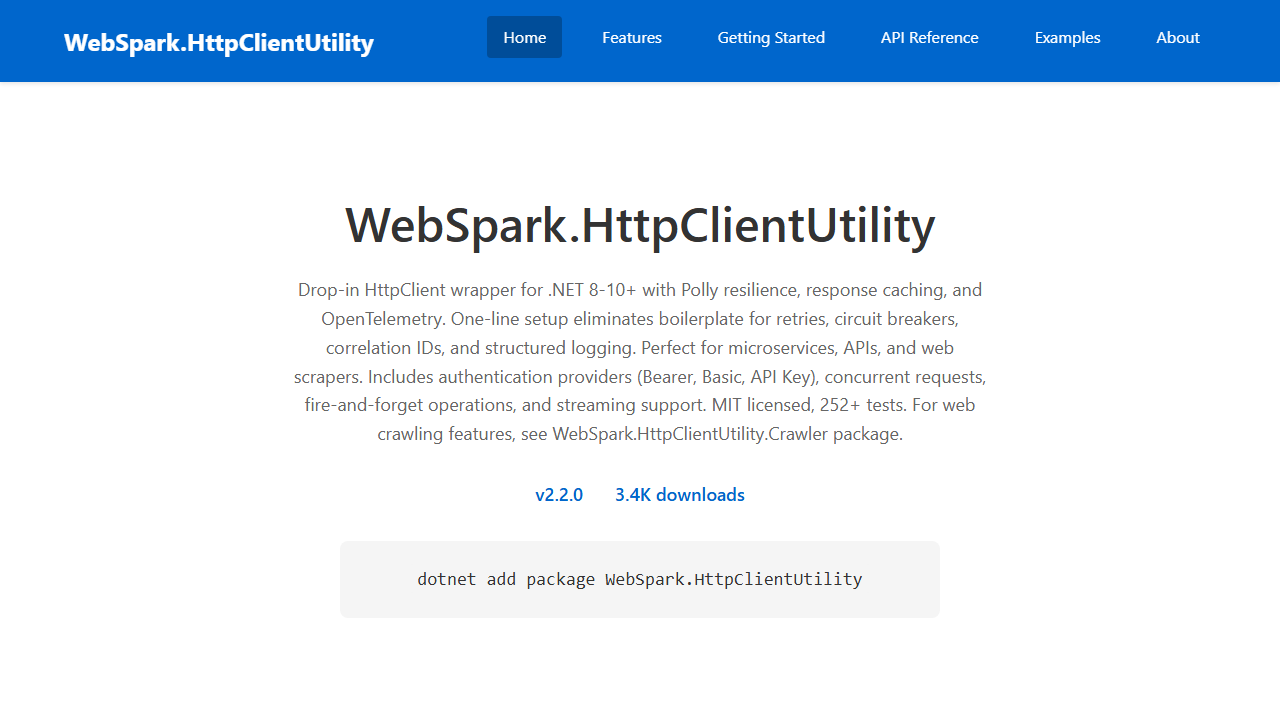
WebSpark.HttpClientUtility is a drop-in HttpClient wrapper for .NET 8-10+ with Polly resilience (retries, circuit breakers), response caching, correlation IDs, and OpenTelemetry tracing — configured in one AddHttpClientUtility() call. Includes a separate Crawler package for web scraping. hundreds of passing unit tests.
Thousands of NuGet downloads
Frogsfolly.com Main
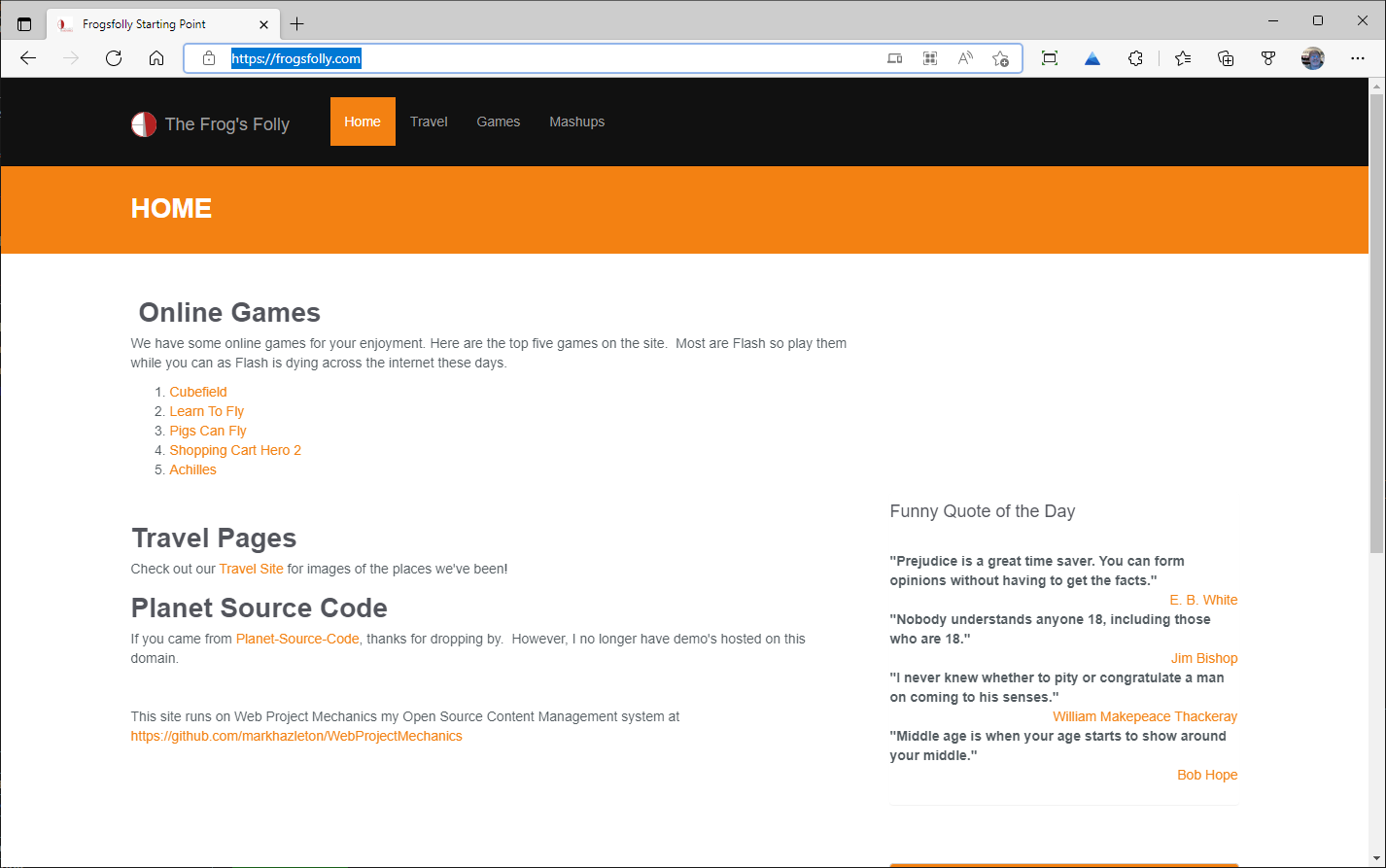
Frogsfolly.com is the original website I created in 1999 when learning web technologies.
WebSpark.ArtSpark
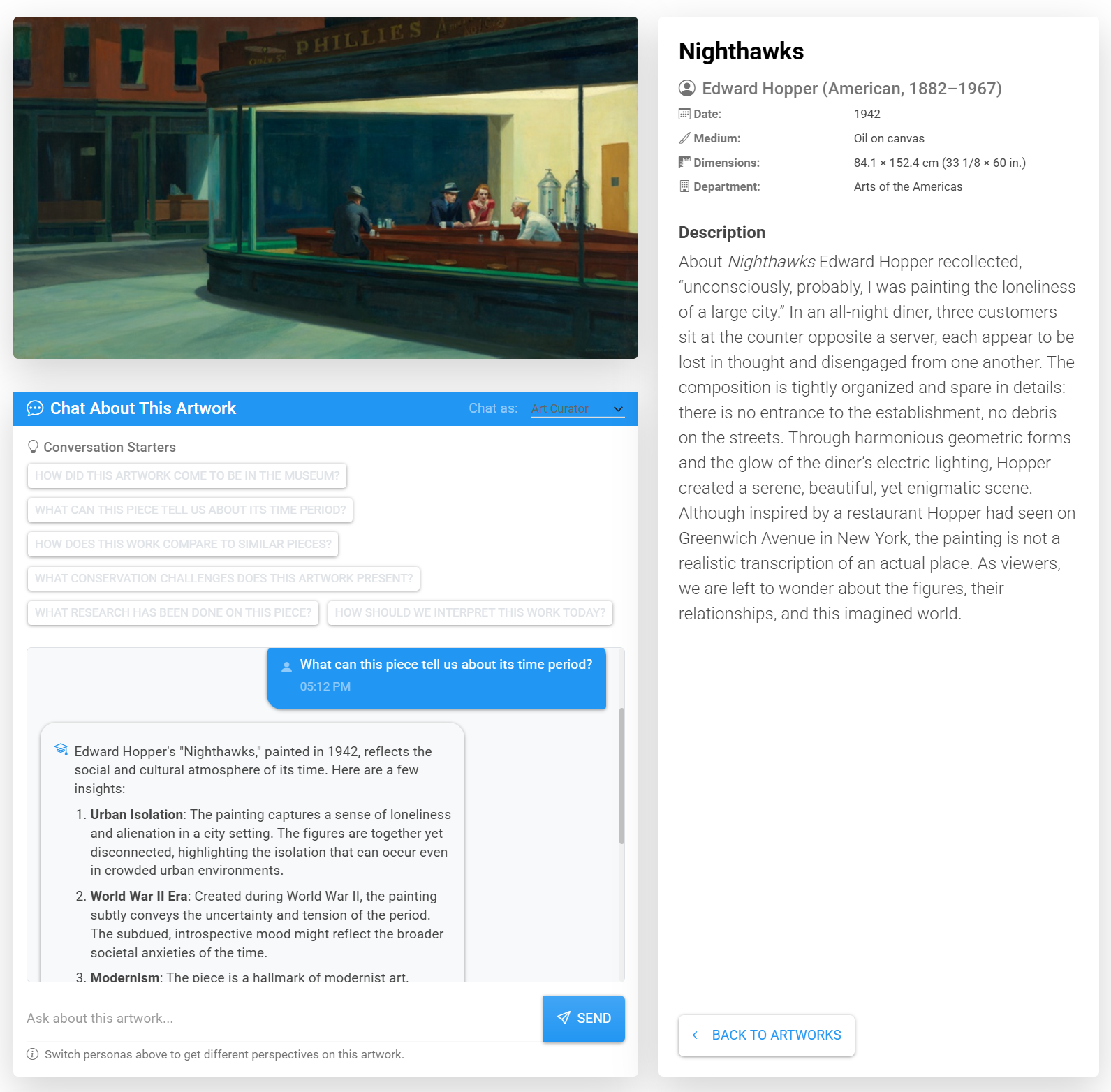
WebSpark.ArtSpark is a .NET 10 solution providing a complete client library for all 33 Art Institute of Chicago API endpoints plus an AI chat system with four personas (Artwork, Artist, Curator, Historian) powered by Semantic Kernel and GPT-4o Vision. Includes demo web app, console app, and user collections via ASP.NET Core Identity.
Working through something similar?
If this maps to something you're working on, I'm glad to compare notes. Start with the system and the constraint that matters most.