The Building of React-native-web-start
React-native-web-start is designed to streamline web and mobile app development using React Native. This article explores its creation, challenges, and benefits.
Development Series — 24 articles
- Decorator Design Pattern - Adding Telemetry to HttpClient
- NuGet Packages: Benefits and Challenges
- Mastering Git Repository Organization
- CancellationToken for Async Programming
- Git Flow Rethink: When Process Stops Paying Rent
- Understanding System Cache: A Comprehensive Guide
- Guide to Redis Local Instance Setup
- Creating a PHP Website with ChatGPT
- TaskListProcessor - Enterprise Async Orchestration for .NET
- Harnessing the Power of Caching in ASP.NET
- Fire and Forget for Enhanced Performance
- Building Resilient .NET Applications with Polly
- The Singleton Advantage: Managing Configurations in .NET
- Troubleshooting and Rebuilding My JS-Dev-Env Project
- Generate Wiki Documentation from Your Code Repository
- My Journey as a NuGet Gallery Developer and Educator
- Architecting Agentic Services in .NET 9: Semantic Kernel
- The Building of React-native-web-start
- TailwindSpark: Ignite Your Web Development
- Evolving PHP Development
- Modernizing Client Libraries in a .NET 4.8 Framework Application
- Building Git Spark: My First npm Package Journey
- Dave's Top Ten: Git Stats You Should Never Track
- Getting to Know Your Repository with git-spark
Filed under Pragmatic architecture and modernization
Topic cluster
Software Development Patterns.NET development, API integration, implementation patterns, and the trade-offs that show up in working code.
Exploring the Development of a Cross-Platform Tool
React-native-web-start is designed to streamline web and mobile app development using React Native. This article explores its creation, challenges, and benefits.
React-native-web-start
Production-ready cross-platform starter template with Vite, TypeScript, and automated deployment.
Introduction: The Vision Behind React-native-web-start
As a Solutions Architect with years of experience building enterprise web applications like WebSpark, TeachSpark, ArtSpark, and PromptSpark, I've witnessed the evolution of cross-platform development firsthand.
The challenge has always been clear: how do you build modern, performant applications that work seamlessly across web, iOS, and Android without compromising developer experience or code quality?
React Native Web promised to solve this puzzle, so I thought I would take a shot at creating a starter template for my future projects. I wanted to have proper TypeScript integration, modern build tools, comprehensive documentation, and production-ready deployment pipelines.
Project Goals
- Enterprise-grade foundation - Complete TypeScript integration with strict standards
- Modern build tools - Vite for superior performance over Webpack
- Comprehensive documentation - In-depth guides and troubleshooting resources
- Production-ready CI/CD - Automated deployment with GitHub Actions
This article chronicles the entire journey from conception to production deployment, sharing every technical decision, challenge overcome, and lesson learned along the way.
The Genesis: Creating the GitHub Repository
Initial Repository Setup
The journey began with a simple #[code git init] command, but the planning that preceded it was extensive. After analyzing dozens of existing React Native Web projects, I identified key gaps that needed addressing:
Problems Identified
- Outdated tooling (Webpack instead of Vite)
- Incomplete TypeScript support
- Poor documentation quality
- No CI/CD pipeline
- Missing production features
Solutions Implemented
- Modern Vite build system
- Strict TypeScript configuration
- Comprehensive documentation
- Automated GitHub Actions
- Version tracking & SEO
Initial Repository Creation
Repository Structure Philosophy
I designed the repository structure with maintainability and scalability in mind, following enterprise patterns successfully implemented in WebSpark and other production applications:
Foundation Architecture: Choosing the Right Stack
Technology Stack Analysis
Selecting the right technology stack was crucial for long-term success. After extensive research and testing, I chose:
Core Framework
- React Native 0.74.0 Latest stable version with improved performance
- React Native Web 0.19.12 Mature web compilation layer
- TypeScript 5.2.2 Strict type safety with latest features
Build System
- Vite 7.0.6 Lightning-fast development server
- ESBuild Ultra-fast TypeScript compilation
- Modern Defaults ES modules, tree-shaking, optimal chunking
Development Tools
- ESLint & Prettier Code quality and formatting
- Husky Git hooks for pre-commit validation
- Jest Testing framework
Why Vite Over Webpack?
This decision deserves special attention as it significantly impacts developer experience:
Vite Advantages
- Cold start performance: 10x faster than Webpack
- Hot Module Replacement: Sub-second updates
- Modern defaults: ES modules, tree-shaking
- Rich plugin ecosystem with React Native Web support
Implementation Challenges
- Configuring Vite for React Native Web
- Alias resolution for cross-platform imports
- Global variable definitions
- Dependency optimization
Vite Configuration Implementation
vite.config.ts - Key Configuration
Setting Up the Development Environment
Package.json Configuration
The #[code package.json] file serves as the project's command center. I designed it with clear scripts for different development phases:
Key Package.json Scripts
TypeScript Configuration
Type safety is non-negotiable in enterprise applications. The #[code tsconfig.json] enforces strict standards while maintaining compatibility with modern JavaScript features.
tsconfig.json - Strict Configuration
GitHub Actions: Automating Deployment
The Evolution of CI/CD Pipeline
The GitHub Actions workflow went through several iterations before reaching production quality. Here's the final, battle-tested version:
Production-Ready Deployment Workflow
Key Deployment Challenges Solved
Challenges Encountered
- Node.js Version Compatibility Initially used Node.js 18, but Vite 7.0.6 required Node.js 20
- Dependency Resolution React Native Web's peer dependencies conflicted with React 18
- Build Information in CI/CD Ensuring git information was available during build
- Static Asset Handling Documentation files weren't being served properly
Solutions Implemented
- Upgraded to Node.js 20 For optimal Vite performance and crypto module support
- --legacy-peer-deps Flag Used in both development and CI/CD for compatibility
- fetch-depth: 0 In checkout action for complete git history
- Cross-Platform Scripts Node.js scripts instead of shell commands
SEO Optimization and Performance
Search Engine Optimization Strategy
As someone who builds web applications professionally, SEO was a critical consideration. The HTML meta tags were carefully crafted for maximum search visibility:
SEO Meta Tags Implementation
Performance Optimization Strategies
Code Optimization
- Code Splitting Lazy loading for better performance
- Bundle Analysis Vite's built-in analyzer for optimization
- Tree Shaking Automatic dead code elimination
Asset Optimization
- SVG Icons Vector graphics instead of raster images
- Font Loading Optimized web font delivery
- Intelligent Caching Documentation service caching strategy
Lessons Learned and Best Practices
Technical Insights
Key Insights
1. Dependency Management is Critical
Modern JavaScript ecosystems are complex. Using #[code --legacy-peer-deps] isn't ideal, but sometimes necessary for compatibility. Always document these decisions.
2. Cross-Platform Requires Platform-Specific Thinking
While "write once, run everywhere" is the goal, each platform has unique requirements. Build abstractions that handle these differences gracefully.
3. CI/CD Pipelines Need Extensive Testing
What works locally doesn't always work in CI/CD. Test your deployment pipeline thoroughly across different environments.
Architecture Patterns That Worked
- Service Layer Pattern Abstracting API calls and platform-specific logic into services made the codebase maintainable
- Configuration-Driven Development Using configuration objects instead of hardcoded values made the application adaptable
- Progressive Enhancement Building core functionality first, then adding platform-specific enhancements
Mistakes to Avoid
Premature Optimization
Don't optimize for performance before establishing functionality. Get it working, then make it fast.
Ignoring Platform Differences
Platform differences aren't just UI concerns. Navigation, file system access, and networking all vary.
Insufficient Error Handling
Production applications need robust error handling, especially for network requests.
The Future: What's Next
Planned Enhancements
Mobile & Testing
- Mobile Platform Integration Full iOS and Android builds with native features
- Automated Testing Suite Jest, Playwright for comprehensive testing
- Performance Monitoring Real-time application performance tracking
Architecture & APIs
- State Management Redux Toolkit or Zustand for complex scenarios
- API Integration Examples Comprehensive API integration patterns
- Community Contributions Enhanced documentation and contribution guidelines
Enterprise Adoption
Based on patterns successful in WebSpark and other production applications, the project incorporates scalable architecture patterns, security best practices, performance optimization techniques, and comprehensive monitoring and logging.
Conclusion
Building react-native-web-start was more than creating another starter template – it was about establishing enterprise-grade patterns for cross-platform development.
The journey from initial git commit to production deployment revealed the complexities of modern web development: dependency management challenges, CI/CD pipeline intricacies, cross-platform compatibility issues, and the critical importance of comprehensive documentation.
Key Achievements
- Enterprise-grade cross-platform foundation
- Production-ready CI/CD pipeline
- Comprehensive documentation system
- Modern tooling with Vite and TypeScript
Knowledge Shared
- Complete development journey documentation
- Troubleshooting guides for common issues
- Best practices for cross-platform development
- Real-world production experience insights
The project demonstrates that with careful planning, proper tooling, and attention to detail, it's possible to create applications that truly work across all platforms without compromising code quality or developer experience.
Every challenge overcome – from React dependency conflicts to GitHub Pages deployment issues – was documented not just for troubleshooting, but as knowledge for the broader development community. This transparency and attention to detail transforms a simple starter template into a valuable resource for developers worldwide.
Get Started with React-native-web-start
Ready to build your own cross-platform application? Clone the repository and start developing today!
Explore More
- Decorator Design Pattern - Adding Telemetry to HttpClient -- Adding Telemetry to HttpClient in ASP.NET Core
- NuGet Packages: Benefits and Challenges -- Exploring the Pros and Cons of NuGet Packages
- Mastering Git Repository Organization -- Enhance Collaboration and Project Management with Git
- Guide to Redis Local Instance Setup -- Master the Setup of Redis on Your Local Machine
- CancellationToken for Async Programming -- Enhancing Task Management in Asynchronous Programming
Related project evidence
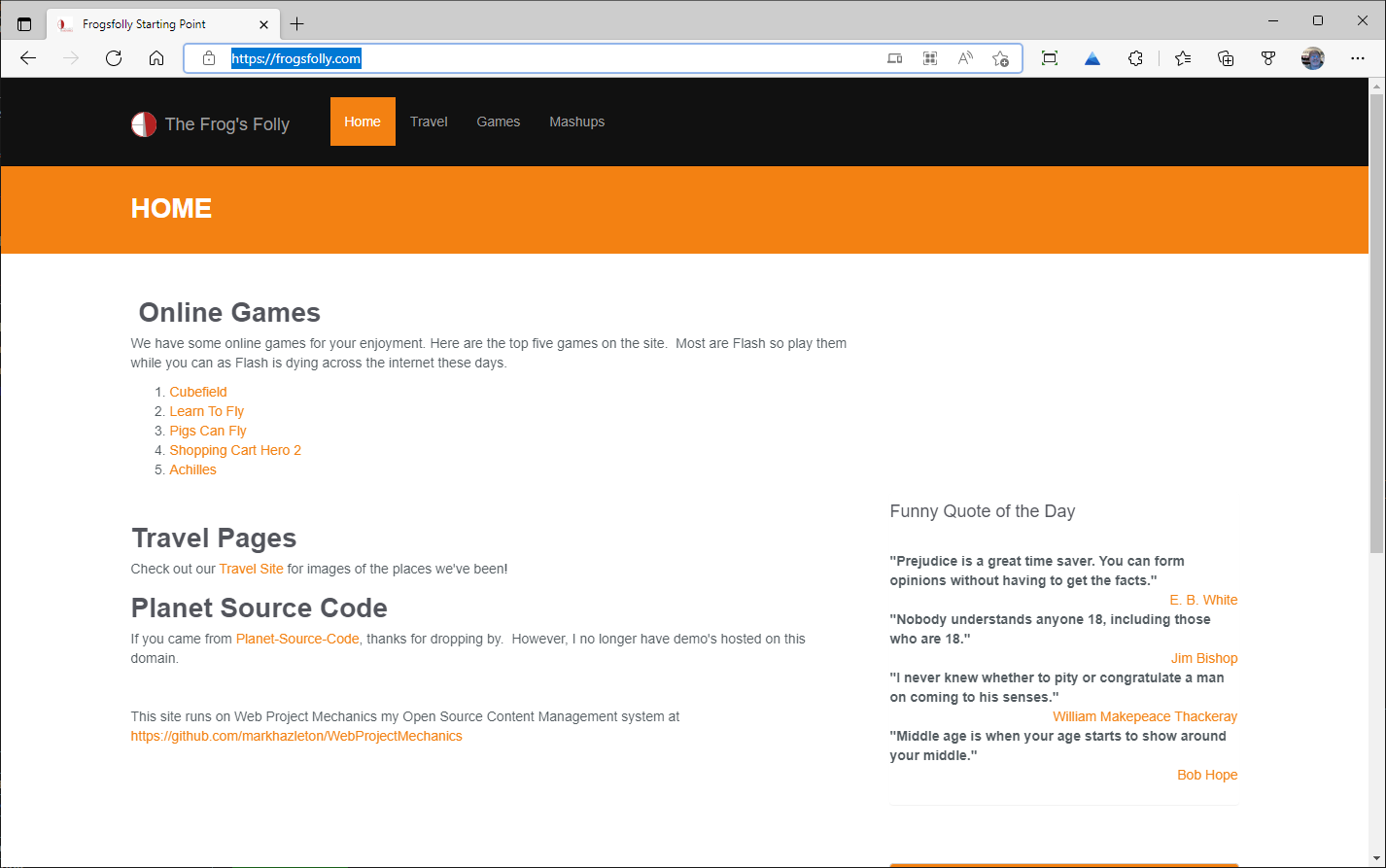
Frogsfolly.com Main
Frogsfolly.com is the original website I created in 1999 when learning web technologies.

SupportSpark: Compassionate Support Network Platform
SupportSpark is a privacy-focused web application designed to help individuals maintain supportive networks during challenging life moments. Built with React 19, Express 5, and TypeScript, it provides a calm, structured platform for sharing personal journey updates with threaded conversations.

GitHub Stats Spark
Automated GitHub profile statistics generator with AI-powered repository analysis, SVG visualizations, and the pipeline that feeds live repository data to this site.
Powers the repository stats on this site
Working through something similar?
If this maps to something you're working on, I'm glad to compare notes. Start with the system and the constraint that matters most.