Building Real-Time Chat with React and SignalR
Learn how to build a dynamic chat application using React, SignalR, and Markdown streaming. This guide covers setting up the environment, integrating real-time messaging, and rendering Markdown content.
AI & Machine Learning Series — 27 articles
- Using ChatGPT for C# Development
- Trivia Spark: Building a Trivia App with ChatGPT
- Mastering LLM Prompt Engineering
- Building a Key Press Counter with ChatGPT
- ChatGPT Meets Jeopardy: C# Solution for Trivia Aficionados
- English: The New Programming Language of Choice
- Using Large Language Models to Generate Structured Data
- Prompt Spark: Revolutionizing LLM System Prompt Management
- Integrating Chat Completion into Prompt Spark
- WebSpark: Transforming Web Project Mechanics
- Accelerate Azure DevOps Wiki Writing
- The Brain Behind JShow Trivia Demo
- Interactive Chat in PromptSpark With SignalR
- Building Real-Time Chat with React and SignalR
- Workflow-Driven Chat Applications Powered by Adaptive Cards
- Understanding Neural Networks
- Creating a Law & Order Episode Generator
- The Transformative Power of MCP
- Computer Vision in Machine Learning
- Harnessing NLP: Concepts and Real-World Impact
- The Impact of Input Case on LLM Categorization
- The New Era of Individual Agency: How AI Tools Empower Self-Starters
- AI Observability Is No Joke
- Mountains of Misunderstanding: The AI Confidence Trap
- Measuring AI's Contribution to Code
- Building MuseumSpark - Why Context Matters More Than the Latest LLM
- Ithaka Gave You the Journey: AI-Assisted Development
Filed under Building software with AI
Topic cluster
AI and Machine LearningApplied AI, machine learning, and the practical limits of intelligent systems.
Building Real-Time Chat with React, SignalR, and Markdown Streaming
Building Real-Time Chat with React and SignalR
Introduction
Real-time chat looks simple from the outside — messages appear, characters stream in, the page stays smooth. The interesting work sits underneath: a React front end coordinating with SignalR for live messaging and a Markdown streaming pipeline that has to render incomplete content without flicker. Worth examining how the pieces fit together.
Prerequisites
Before we begin, ensure you have the following tools and knowledge:
- Node.js and npm: Make sure you have Node.js and npm installed on your machine.
- Basic knowledge of React: Familiarity with React components and hooks.
- Understanding of TypeScript: Basic understanding of TypeScript is recommended.
- SignalR basics: Some experience with SignalR will be helpful.
Setting Up the React Application
-
Create a new React app:
npx create-react-app real-time-chat --template typescript -
Install necessary packages:
npm install @microsoft/signalr marked
Integrating SignalR for Real-Time Messaging
SignalR is a library that simplifies adding real-time web functionality to applications. It allows server-side code to push content to clients instantly.
Setting Up SignalR Client
-
Create a SignalR connection:
import * as signalR from "@microsoft/signalr"; const connection = new signalR.HubConnectionBuilder().withUrl("/chatHub").configureLogging(signalR.LogLevel.Information).build(); -
Start the connection:
connection.start().catch((err) => console.error(err.toString())); -
Handle incoming messages:
connection.on("ReceiveMessage", (user, message) => {
    const msg = document.createElement("div");
    msg.textContent = `${user}: ${message}`;
    document.getElementById("messagesList").appendChild(msg);
});
Implementing Markdown Streaming
Markdown allows users to format text using simple syntax. We will use the marked library to parse and render Markdown.
-
Render Markdown messages:
import { marked } from "marked"; function renderMarkdown(message: string): string { return marked(message); } -
Display Markdown in the chat:
const markdownMessage = renderMarkdown(message);
document.getElementById("messagesList").innerHTML += `<div>${markdownMessage}</div>`;
Conclusion
By following these steps, you have successfully created a real-time chat application using React, SignalR, and Markdown streaming. This application allows users to send and receive messages in real-time while rendering Markdown content dynamically.
Additional Resources
Next Steps
Consider adding more features such as user authentication, message history, and emoji support to enhance your chat application.
Explore More
- Building My First React Site Using Vite -- A Step-by-Step Guide to Building and Deploying
- Interactive Chat in PromptSpark With SignalR -- Building a Real-Time AI-Driven Chat Application
- Using ChatGPT for C# Development -- Accelerate Your Coding with AI
- Trivia Spark: Building a Trivia App with ChatGPT -- Rapid Prototyping and AI-Assisted Development in Practice
- Mastering LLM Prompt Engineering -- The Art of Effective AI Communication
Related project evidence
ReactSpark
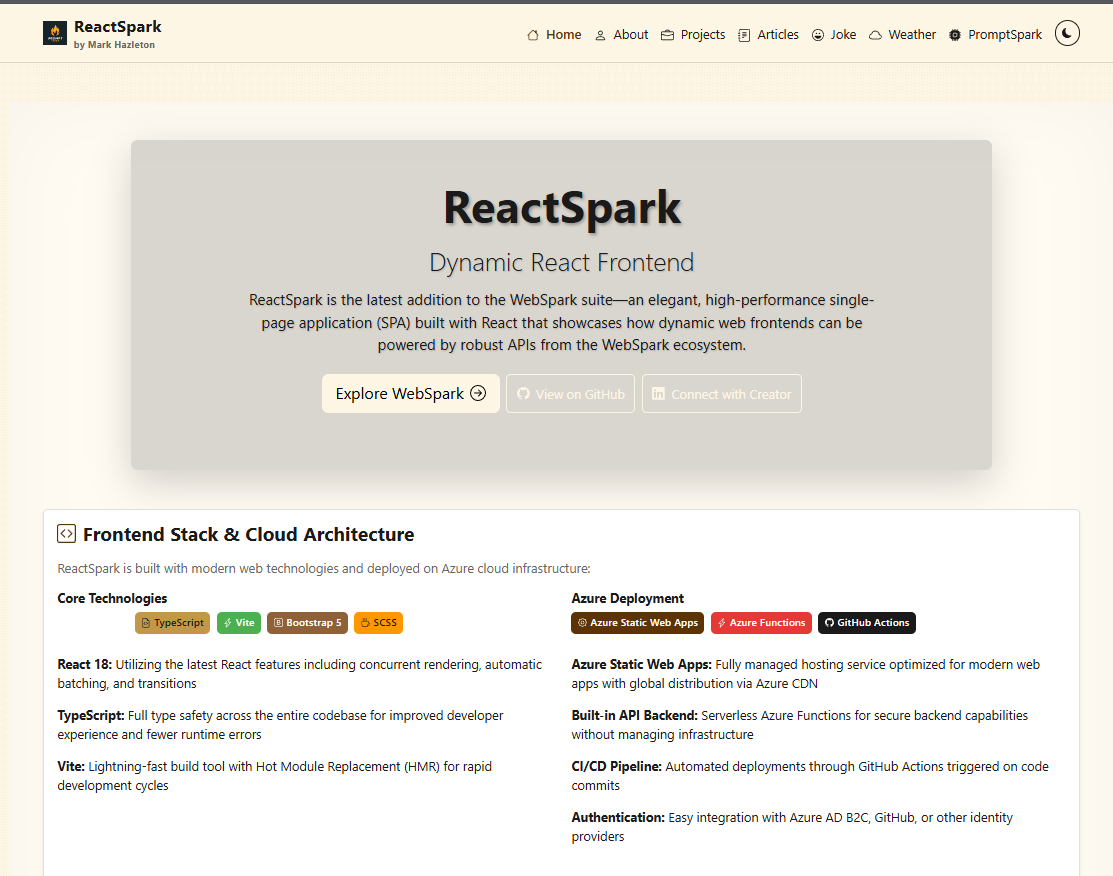
A production-ready developer portfolio built with React 19.1, TypeScript 5.9, and Vite 7.0. Features SignalR real-time chat with AI personalities, live weather widget with Leaflet maps, RSS feed integration, dark/light theming, admin panel, and dual deployment to Azure Static Web Apps and GitHub Pages.
PromptSpark
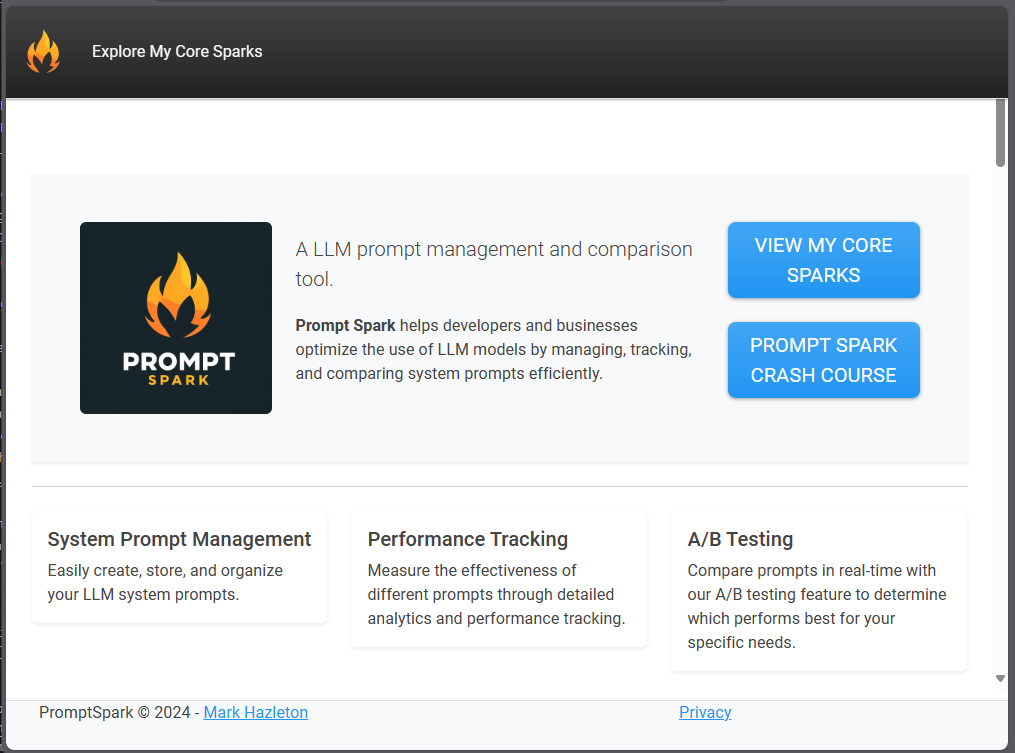
PromptSpark.Chat is a real-time, workflow-driven chat application built with ASP.NET Core, SignalR, and Adaptive Cards. Users interact with branching multi-step workflows through conversational UI, with optional AI-driven responses via IChatCompletionService.

TexEcon
Texas economic analysis and commentary site delivering expert insights on the Texas economy, built as a static React application with build-time content integration from the WebSpark API.
Working through something similar?
If this maps to something you're working on, I'm glad to compare notes. Start with the system and the constraint that matters most.