Building My First React Site Using Vite
In this guide, we will walk you through the process of building and deploying a React site using Vite and GitHub Pages. We'll cover setup, deployment, and troubleshooting common issues like CORS.
Software Development Series — 4 articles
- Concurrent Processing in C#
- Building My First React Site Using Vite
- Adding Weather Component: A TypeScript Learning Journey
- AI-Assisted Development: Claude and GitHub Copilot
Filed under How software delivery really works
Topic cluster
Software Development Patterns.NET development, API integration, implementation patterns, and the trade-offs that show up in working code.
Building My First React Site Using Vite
Introduction
Creating a React site can be a daunting task, especially for beginners. However, with the right tools and guidance, it becomes a manageable and rewarding experience. The path I took uses Vite as a fast modern build tool and GitHub Pages for hosting — along with the inevitable detour through CORS issues that anyone deploying their first SPA will recognize.
Why Choose Vite?
Vite is a build tool that aims to provide a faster and leaner development experience for modern web projects. It offers several advantages:
- Fast Development: Vite uses native ES modules in the browser, providing instant server start and lightning-fast HMR (Hot Module Replacement).
- Optimized Build: It uses Rollup for production builds, ensuring optimized and efficient output.
- Rich Features: Vite supports TypeScript, JSX, CSS, and more out of the box.
Setting Up Your React Project
Step 1: Install Vite
First, ensure you have Node.js installed. Then, run the following command to create a new Vite project:
npm create vite@latest my-react-app --template reactThis command sets up a new React project using Vite.
Step 2: Navigate and Start the Development Server
Navigate to your project directory and start the development server:
cd my-react-app
npm install
npm run dev
You should see your React app running at http://localhost:3000.
Deploying to GitHub Pages
Step 1: Configure Your Repository
Create a new repository on GitHub and push your local project to it:
git init
git add .
git commit -m "Initial commit"
git branch -M main
git remote add origin <your-repo-url>
git push -u origin main
Step 2: Deploy with GitHub Actions
Create a .github/workflows/deploy.yml file in your project with the following content:
name: Deploy to GitHub Pages

on:
    push:
        branches:
            - main

jobs:
    build:
        runs-on: ubuntu-latest
        steps:
            - uses: actions/checkout@v2
            - uses: actions/setup-node@v2
              with:
                  node-version: "14"
            - run: npm install
            - run: npm run build
            - uses: peaceiris/actions-gh-pages@v3
              with:
                  github_token: ${{ secrets.GITHUB_TOKEN }}
                  publish_dir: ./dist
This workflow will automatically build and deploy your site to GitHub Pages whenever you push to the main branch.
Troubleshooting Common Issues
Handling CORS
Cross-Origin Resource Sharing (CORS) can be a common issue when deploying web applications. Here are some tips to handle CORS:
- Use Proxy: Configure a proxy in your
vite.config.jsto handle API requests during development. - Server Configuration: Ensure your server is configured to allow CORS requests.
Conclusion
Building a React site using Vite and deploying it to GitHub Pages is a straightforward process that offers speed and efficiency. By following the steps outlined above, you can quickly get your site up and running while addressing common issues like CORS.
Additional Resources
Start building your React site today and enjoy the seamless experience that Vite provides!
Explore More
- Building Real-Time Chat with React and SignalR -- Create a dynamic chat app with live messaging and Markdown rendering
- Using ChatGPT for C# Development -- Accelerate Your Coding with AI
- Trivia Spark: Building a Trivia App with ChatGPT -- Rapid Prototyping and AI-Assisted Development in Practice
- Mastering LLM Prompt Engineering -- The Art of Effective AI Communication
- ChatGPT Meets Jeopardy: C# Solution for Trivia Aficionados -- Blending Trivia and Technology
Related project evidence
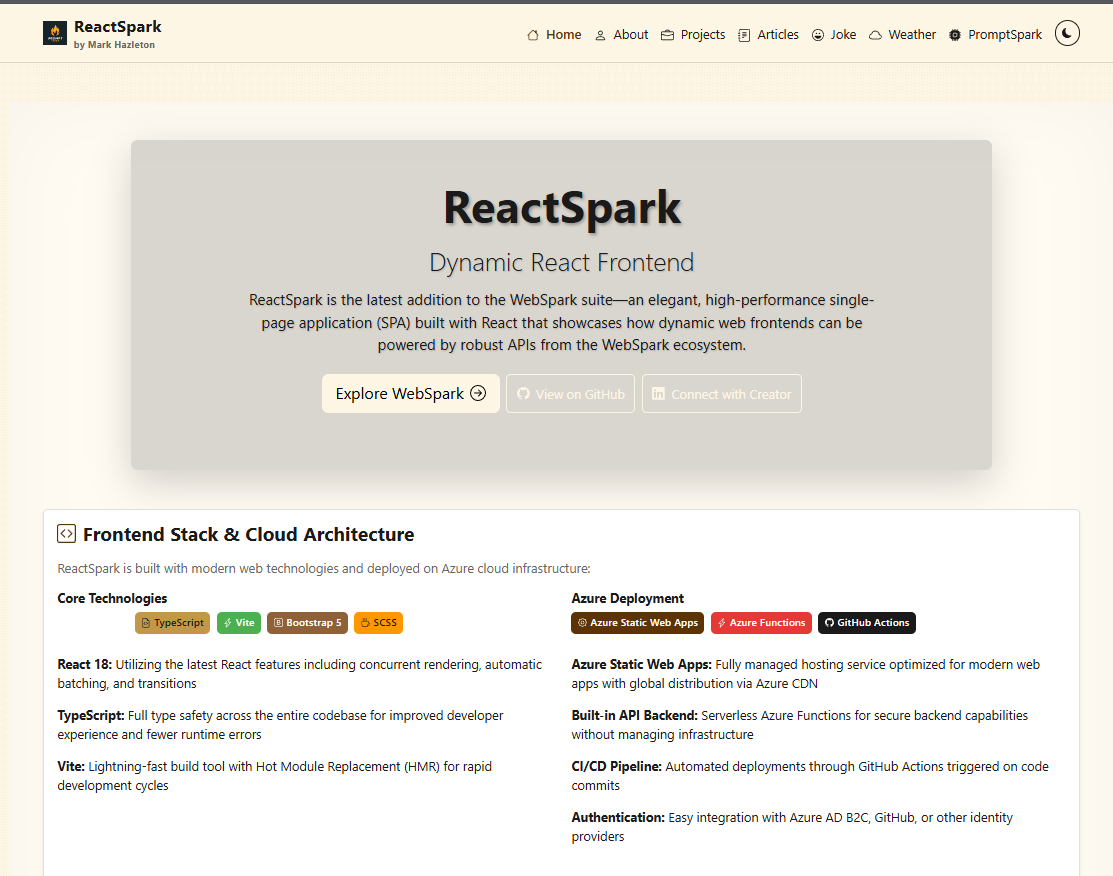
ReactSpark
A production-ready developer portfolio built with React 19.1, TypeScript 5.9, and Vite 7.0. Features SignalR real-time chat with AI personalities, live weather widget with Leaflet maps, RSS feed integration, dark/light theming, admin panel, and dual deployment to Azure Static Web Apps and GitHub Pages.

PHPDocSpark: PHP Documentation Platform
PHPDocSpark is an open-source PHP 8.2+ documentation and data exploration platform with a Vite 7.1 asset pipeline. Features include Markdown documentation viewer with full-text search, CSV data analysis, SQLite CRUD operations, GitHub API integration, Chart.js visualizations, and Azure Pipelines deployment.

SupportSpark: Compassionate Support Network Platform
SupportSpark is a privacy-focused web application designed to help individuals maintain supportive networks during challenging life moments. Built with React 19, Express 5, and TypeScript, it provides a calm, structured platform for sharing personal journey updates with threaded conversations.
Working through something similar?
If this maps to something you're working on, I'm glad to compare notes. Start with the system and the constraint that matters most.