Adding Weather Component: A TypeScript Learning Journey
Wiring a weather forecast and map feature into a React Native app turned into a useful drill in TypeScript fundamentals — typed components, error handling, and the small frictions that surface when types meet real APIs.
Software Development Series — 4 articles
- Concurrent Processing in C#
- Building My First React Site Using Vite
- Adding Weather Component: A TypeScript Learning Journey
- AI-Assisted Development: Claude and GitHub Copilot
Filed under How software delivery really works
Topic cluster
Software Development Patterns.NET development, API integration, implementation patterns, and the trade-offs that show up in working code.
Adding Weather Component: A TypeScript Learning Journey
Subtitle: Enhance Your React Native App with Weather Features
Summary
Wiring a weather forecast and map feature into a React Native app turned into a useful drill in TypeScript fundamentals. The interesting parts weren't the API calls themselves — they were the small frictions that surface when typed components meet real-world API responses, and where error handling actually pays for itself.
Introduction to TypeScript in React Native
TypeScript is a powerful tool for building robust applications, providing static typing that can help catch errors early in the development process. When combined with React Native, TypeScript can significantly improve the development experience by making your code more predictable and easier to debug.
Setting Up Your Environment
Before we begin, ensure you have the following installed:
- Node.js
- npm or Yarn
- React Native CLI
- TypeScript
Once your environment is ready, create a new React Native project and set up TypeScript by adding a tsconfig.json file.
tsc --initIntegrating Weather API
To add weather functionality, we will use a weather API. Sign up for an API key from a provider like OpenWeatherMap or Weatherstack.
Fetching Weather Data
Create a service to fetch weather data:
import axios from "axios";

const API_KEY = "your_api_key";
const BASE_URL = "https://api.weatherapi.com/v1";

export const fetchWeather = async (location: string) => {
    try {
        const response = await axios.get(`${BASE_URL}/current.json?key=${API_KEY}&q=${location}`);
        return response.data;
    } catch (error) {
        console.error("Error fetching weather data:", error);
        throw error;
    }
};
Displaying Weather Data
Create a component to display the weather data:
import React from 'react';
import { View, Text } from 'react-native';

interface WeatherProps {
  temperature: number;
  condition: string;
}

const WeatherComponent: React.FC<WeatherProps> = ({ temperature, condition }) => {
  return (
    <View>
      <Text>Temperature: {temperature}°C</Text>
      <Text>Condition: {condition}</Text>
    </View>
  );
};

export default WeatherComponent;
Error Handling in TypeScript
TypeScript's static typing helps in identifying potential errors at compile time. However, runtime errors can still occur, especially when dealing with asynchronous operations like API calls. Ensure to handle these errors gracefully using try-catch blocks and providing user feedback.
Conclusion
By integrating a weather component into your React Native application, you not only enhance its functionality but also strengthen your understanding of TypeScript. This journey through typed components and error handling will prepare you for more complex TypeScript projects.
Reflections on the Journey
Building this weather component reinforced something I keep rediscovering — the best way to internalize TypeScript patterns is to apply them in a project with real-world constraints. API calls that might return unexpected data, state that needs to be typed correctly, error boundaries that need to be handled gracefully — these are the situations where typed components prove their worth.
The experience also highlighted how much of TypeScript mastery comes down to thinking about failure modes early. When you define your types upfront and handle errors explicitly, the runtime behavior becomes far more predictable. That's a pattern worth carrying into every project, regardless of the framework.
Explore More
- Using ChatGPT for C# Development -- Accelerate Your Coding with AI
- Trivia Spark: Building a Trivia App with ChatGPT -- Rapid Prototyping and AI-Assisted Development in Practice
- Mastering LLM Prompt Engineering -- The Art of Effective AI Communication
- ChatGPT Meets Jeopardy: C# Solution for Trivia Aficionados -- Blending Trivia and Technology
- English: The New Programming Language of Choice -- How English is Transforming Software Development
Related project evidence
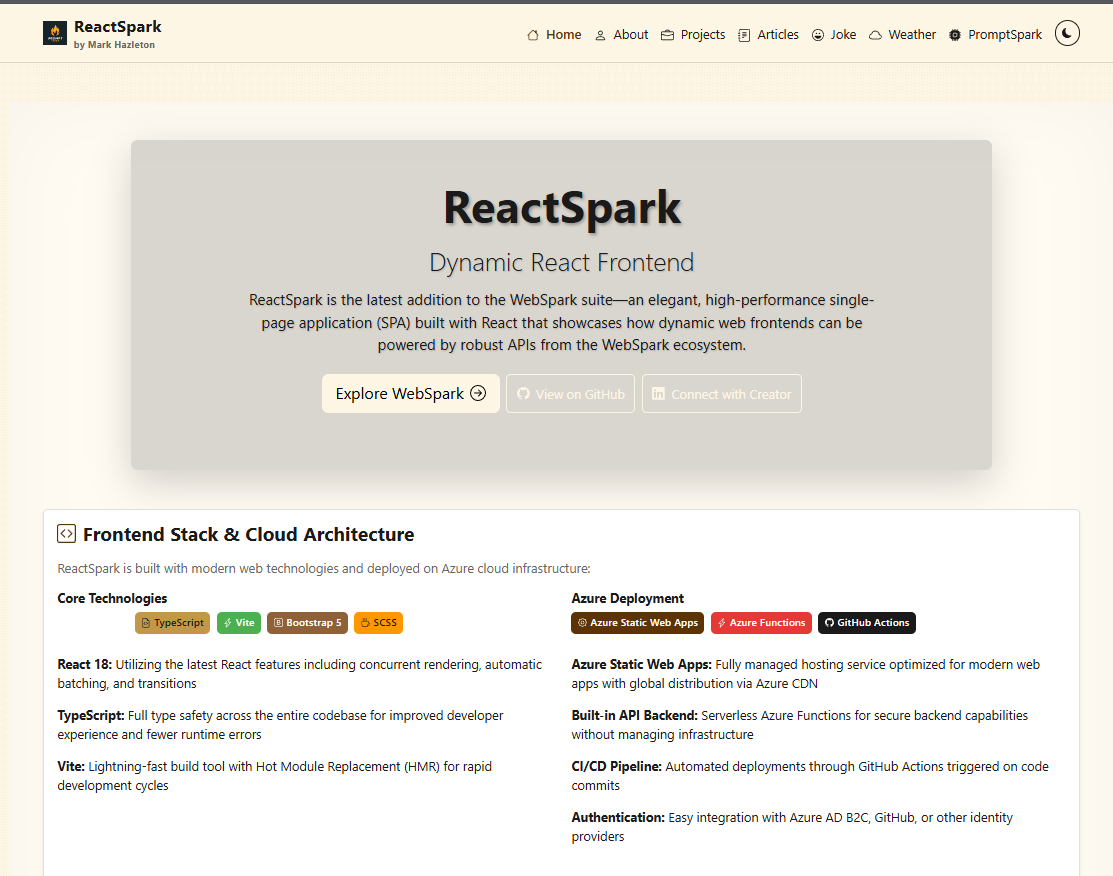
ReactSpark
A production-ready developer portfolio built with React 19.1, TypeScript 5.9, and Vite 7.0. Features SignalR real-time chat with AI personalities, live weather widget with Leaflet maps, RSS feed integration, dark/light theming, admin panel, and dual deployment to Azure Static Web Apps and GitHub Pages.

Frogsfolly.com Main
Frogsfolly.com is the original website I created in 1999 when learning web technologies.
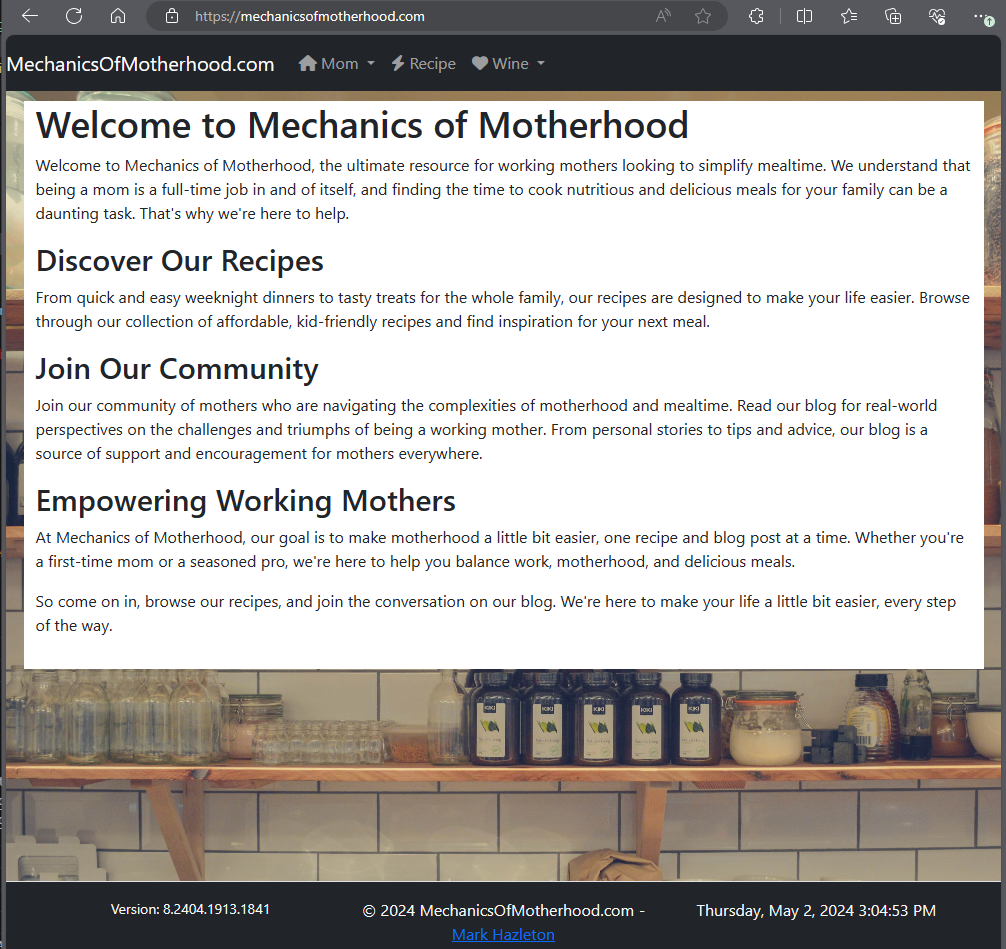
Mechanics of Motherhood: Recipe Management Platform
Mechanics of Motherhood is a modern recipe management platform for busy working mothers. Built with React 19, TypeScript, Vite, Tailwind CSS, and Shadcn/ui, it offers 108+ curated recipes with smart search/filtering, PWA offline support, and data from the live RecipeSpark API.
Working through something similar?
If this maps to something you're working on, I'm glad to compare notes. Start with the system and the constraint that matters most.