Using NotebookLM, Clipchamp, and ChatGPT for Podcasts
Creating a podcast can be a daunting task, but with the right tools, it becomes a seamless and enjoyable experience. In this guide, we will explore how to use NotebookLM, Microsoft Clipchamp, and ChatGPT to produce high-quality podcast episodes for your Deep Dive playlist.
Experiments Series — 5 articles
- Exploring Microsoft Copilot Studio
- Taking FastEndpoints for a Test Drive
- Using NotebookLM, Clipchamp, and ChatGPT for Podcasts
- OpenAI Sora: First Impressions and Impact
- Riffusion AI: Revolutionizing Music Creation
Filed under How software delivery really works
Topic cluster
Notes and ExperimentsTool test drives, first impressions and personal notes: the experiments and perspectives that shape how I think about building software.
Deep Dive: Google NotebookLM
Using NotebookLM, Clipchamp, and ChatGPT for Podcasts
Enhance Your Podcast Creation Process
I spent three weeks testing whether NotebookLM, Clipchamp, and ChatGPT could genuinely replace my fragmented podcast workflow. They mostly did — but not before I hit real friction with each one. What I found wasn't a seamless, magical stack. It was three capable tools that reward patience during setup and punish you if you skip it.
Getting Started with NotebookLM
NotebookLM handles organization and early-stage research. Here's how I actually used it:
- Use it to jot down episode ideas, research notes, and interview questions.
- Draft podcast scripts directly in NotebookLM, where editing stays close to your source material.
- Share notes with co-hosts or producers to gather feedback before recording.
In practice, I started dumping all my research into NotebookLM's note system and it worked well for solo prep. Where I ran into trouble was assuming the inline collaboration would speed things up with a remote co-host. The back-and-forth on shared notes added a round-trip delay I hadn't anticipated — we ended up reserving NotebookLM for individual research and syncing over a separate call. That's the trade-off: great for organizing your own thinking, less fluid when two people are editing simultaneously under time pressure.
Editing with Microsoft Clipchamp
Clipchamp is marketed as a video editor, but I was pushing it into audio-only territory. Here's what worked:
- Import podcast recordings to cut, trim, and clean up audio quality.
- Pull from Clipchamp's library of sound effects and music to add texture to episodes.
- Export the final audio in formats compatible with major podcast platforms.
What I discovered is that Clipchamp's strengths are visual — the audio editing is functional but not deep. If you're coming from Audacity or Adobe Audition, you'll feel the ceiling quickly. I found it most useful for episodes where I was pairing audio with a video version for YouTube, because then the unified editing environment actually saves time. For audio-only work, the export step added more fiddling than I expected.
Enhancing Content with ChatGPT
ChatGPT earned its place in this workflow faster than the other two tools. Here's what worked:
- Brainstorm new topics and episode angles when you're staring at a blank outline.
- Get concrete suggestions on script flow and where transitions feel abrupt.
- Generate interview questions and discussion prompts that you'd otherwise spend an hour crafting.
What surprised me was how useful ChatGPT was at the revision stage, not just ideation. I'd paste a rough script draft and ask it to flag where the logic jumped — and it consistently caught the transitions I'd glossed over. That's where I'd focus anyone's energy with this tool first.
Bringing It All Together
Integrating NotebookLM, Clipchamp, and ChatGPT into a podcast workflow does streamline production — but the first month is a setup cost, not a shortcut. Once the three tools settle into their roles and you stop fighting their boundaries, the friction drops noticeably.
Conclusion
Creating a podcast doesn't have to be overwhelming, if you accept that early investment upfront. In my experience, this stack works best if you're already comfortable with browser-based, cloud-first tools and your collaborators are distributed. If your producer works offline half the time, the real-time collaboration features become friction rather than help — that's the trade-off I'd weigh before committing. If you record locally and do serious audio editing in Audition or Audacity, don't force Clipchamp into that role. But if you're building a workflow from scratch and want tools that talk to each other without heavy IT overhead, this combination is worth the ramp-up.
For more tips and resources on podcasting, visit Mark Hazleton's Blog for expert insights and guidance.
Explore More
- Using ChatGPT for C# Development -- Accelerate Your Coding with AI
- Mastering Web Project Mechanics -- Explore essential strategies for web project success
- Trivia Spark: Building a Trivia App with ChatGPT -- Rapid Prototyping and AI-Assisted Development in Practice
- Creating a PHP Website with ChatGPT -- Integrating ChatGPT for Enhanced User Interaction
- Exploring Microsoft Copilot Studio -- Discover the Future of AI with Mark Hazleton
Related project evidence
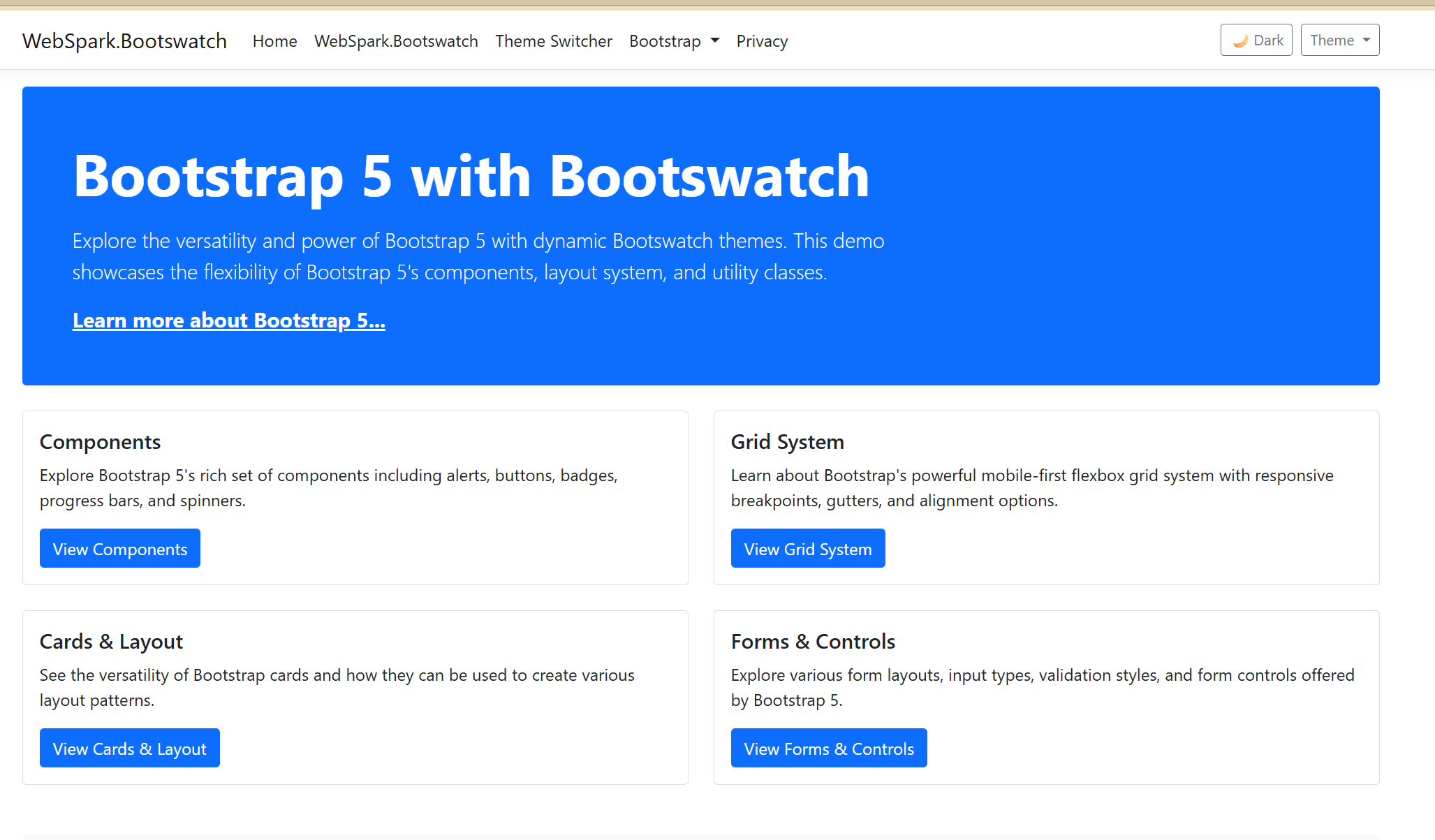
WebSpark Bootswatch Theme Integration Library
WebSpark.Bootswatch is a .NET Razor Class Library (NuGet package) enabling seamless Bootswatch theme integration into ASP.NET Core applications. Version 2.0+ targets .NET 10 exclusively, featuring dynamic theme switching, light/dark mode with auto-detection, tag helper support, and high-performance StyleCache caching.
Thousands of NuGet downloads
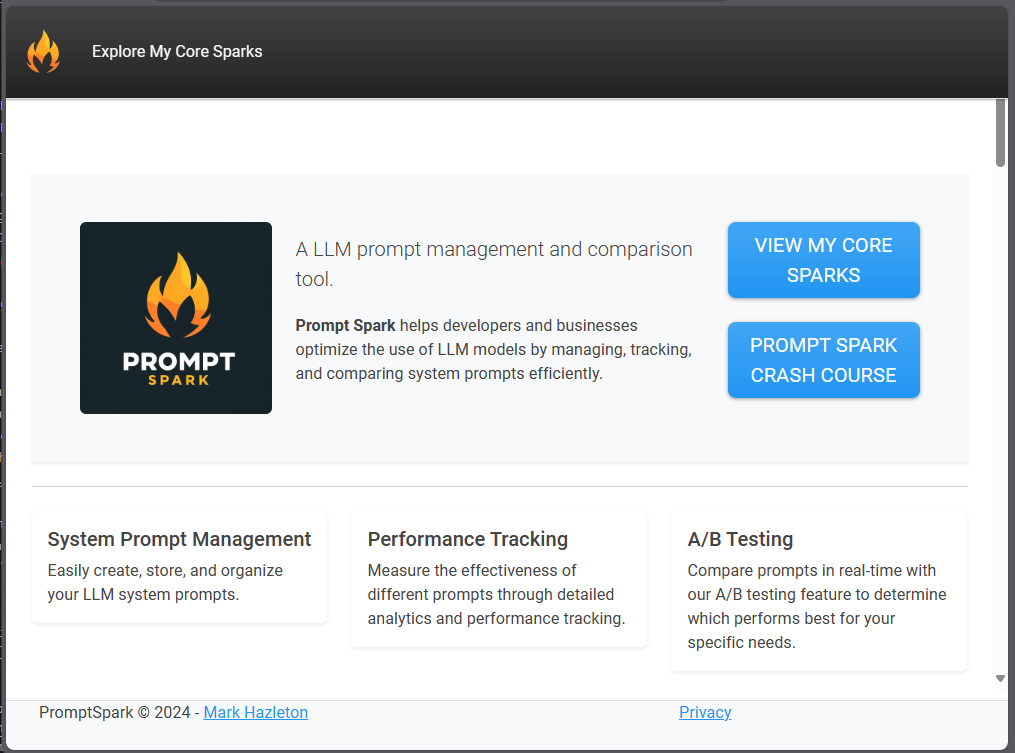
PromptSpark
PromptSpark.Chat is a real-time, workflow-driven chat application built with ASP.NET Core, SignalR, and Adaptive Cards. Users interact with branching multi-step workflows through conversational UI, with optional AI-driven responses via IChatCompletionService.
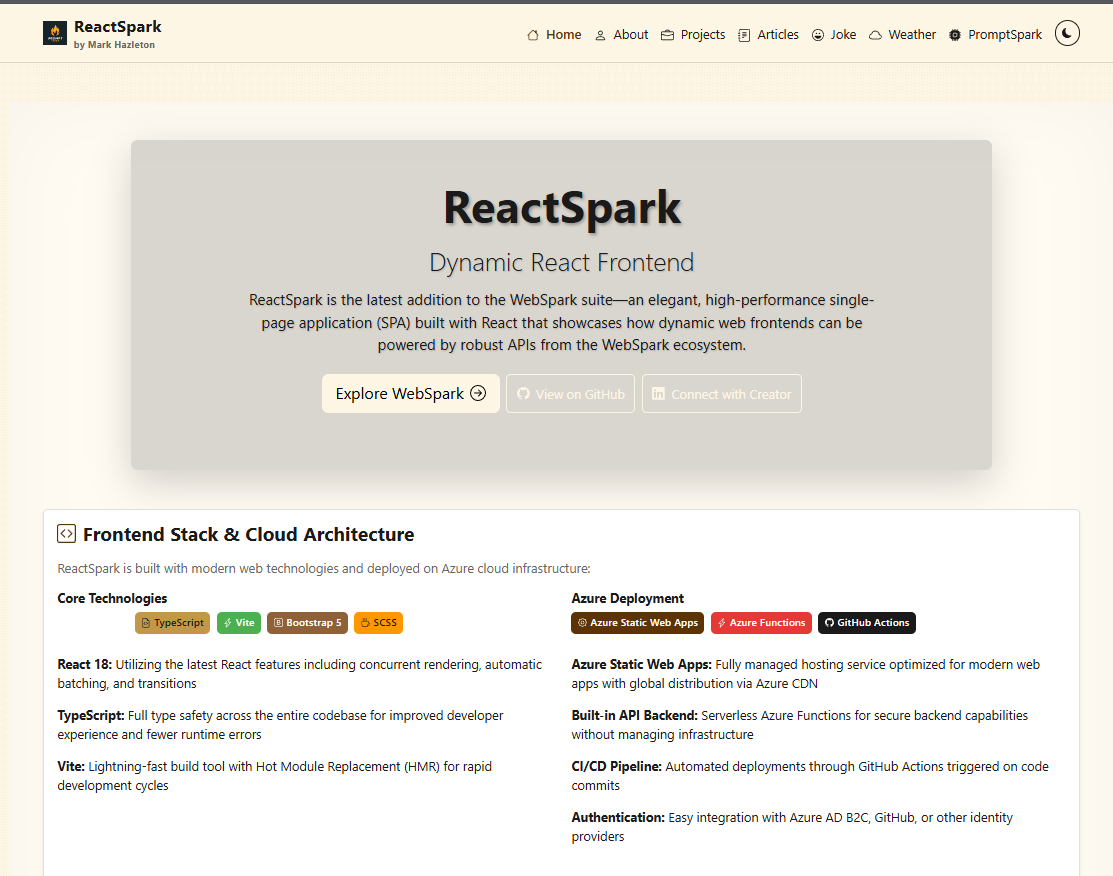
ReactSpark
A production-ready developer portfolio built with React 19.1, TypeScript 5.9, and Vite 7.0. Features SignalR real-time chat with AI personalities, live weather widget with Leaflet maps, RSS feed integration, dark/light theming, admin panel, and dual deployment to Azure Static Web Apps and GitHub Pages.
Working through something similar?
If this maps to something you're working on, I'm glad to compare notes. Start with the system and the constraint that matters most.