Taking FastEndpoints for a Test Drive
FastEndpoints offers a simplified approach to building ASP.NET APIs, enhancing efficiency and productivity. This article explores its features and benefits.
Experiments Series — 5 articles
Filed under How software delivery really works
Topic cluster
Notes and ExperimentsTool test drives, first impressions and personal notes: the experiments and perspectives that shape how I think about building software.
Taking FastEndpoints for a Test Drive
Exploring the Streamlined Approach to Building ASP.NET APIs
FastEndpoints is a powerful tool designed to simplify the development of ASP.NET APIs. By providing a streamlined approach, it enhances both efficiency and productivity for developers. Worth taking it for a real test drive — not the hello-world version — to see where it earns its keep and where the conventions get in your way.
What is FastEndpoints?
FastEndpoints is a library that aims to reduce the complexity of building APIs in ASP.NET. It offers a set of features that allow developers to create endpoints quickly and efficiently without the need for extensive boilerplate code.
Key Features
- Simplicity: FastEndpoints reduces the amount of code you need to write, making your projects cleaner and easier to maintain.
- Performance: With optimized performance, FastEndpoints ensures your APIs run smoothly and efficiently.
- Flexibility: It provides flexibility in how you structure your endpoints, allowing for custom configurations that suit your project's needs.
Getting Started with FastEndpoints
To get started with FastEndpoints, you need to install the library via NuGet. Once installed, you can begin defining your endpoints using the simplified syntax provided by the library.
public class MyEndpoint : Endpoint<Request, Response>
{
    public override void Configure()
    {
        Verbs(Http.POST);
        Routes("/api/myendpoint");
        AllowAnonymous();
    }

    public override async Task HandleAsync(Request req, CancellationToken ct)
    {
        // Your endpoint logic here
        await SendAsync(new Response { Message = "Hello, World!" }, cancellation: ct);
    }
}
Benefits of Using FastEndpoints
- Reduced Development Time: By minimizing boilerplate code, developers can focus on business logic and deliver projects faster.
- Improved Code Quality: With less code to manage, there is a lower risk of bugs and easier maintenance.
- Enhanced Collaboration: The simplicity of FastEndpoints makes it easier for teams to collaborate and onboard new developers.
Conclusion
FastEndpoints is an excellent choice for developers looking to streamline their ASP.NET API projects. Its simplicity, performance, and flexibility make it a valuable tool in any developer's toolkit.
For more information, visit the FastEndpoints GitHub repository and explore the documentation to see how you can integrate it into your projects.
Explore More
- Mastering Web Project Mechanics -- Explore essential strategies for web project success
- Exploring Microsoft Copilot Studio -- Discover the Future of AI with Mark Hazleton
- From Concept to Live: Unveiling WichitaSewer.com -- Exploring the Development Journey of WichitaSewer.com
- UISampleSpark: Seven Years of .NET Modernization -- Part 2 of the UISampleSpark Series: Continuous Modernization
- Fixing a Runaway Node.js Recursive Folder Issue -- Addressing Infinite Recursive Directory Creation in Node.js
Related project evidence

FastEndpointApi
Comprehensive demonstration of the FastEndpoints framework for ASP.NET Core, implementing a Person Management API using the REPR (Request-Endpoint-Response) pattern.

WebSpark.ArtSpark
WebSpark.ArtSpark is a .NET 10 solution providing a complete client library for all 33 Art Institute of Chicago API endpoints plus an AI chat system with four personas (Artwork, Artist, Curator, Historian) powered by Semantic Kernel and GPT-4o Vision. Includes demo web app, console app, and user collections via ASP.NET Core Identity.
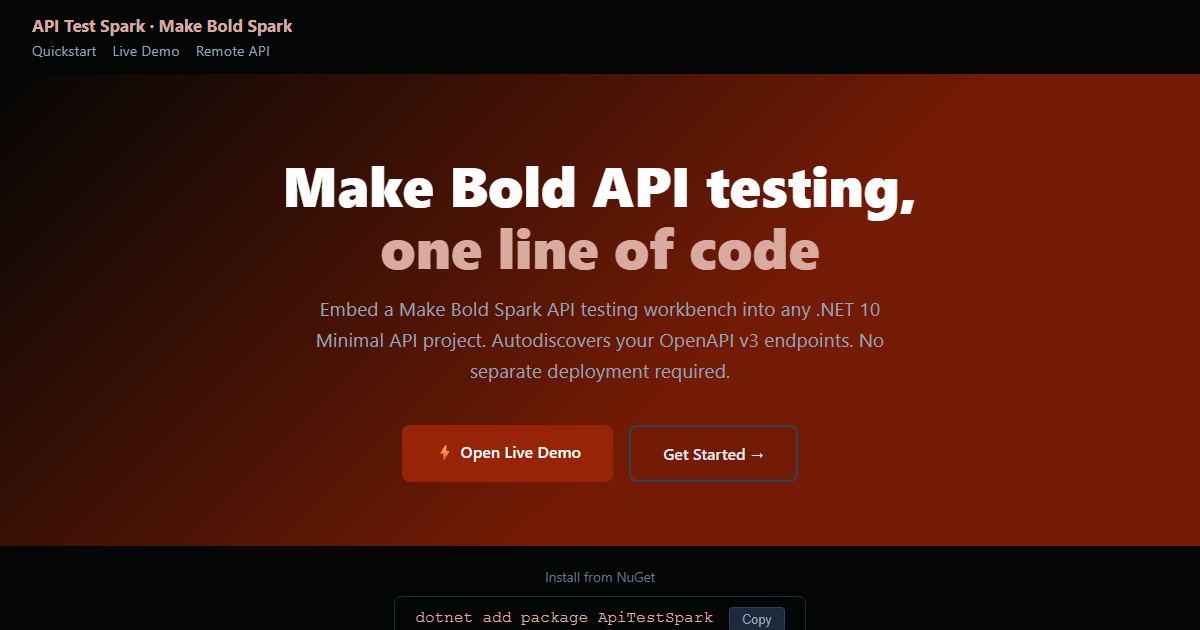
API Test Spark
A NuGet package that embeds an interactive API test harness into any .NET 10 Minimal API with one line of code. It reads the API's own OpenAPI contract, so there is nothing extra to keep in sync.
Thousands of NuGet downloads
Working through something similar?
If this maps to something you're working on, I'm glad to compare notes. Start with the system and the constraint that matters most.