API Test Spark: React in NuGet for .NET 10 APIs
Swagger and Scalar are excellent for API documentation, but I wanted a tighter local feedback loop for inspecting requests, headers, curl commands, and responses while building my own .NET APIs. This article is the story of why I packaged API Test Spark as a React-in-NuGet developer tool, not a step-by-step implementation guide.
Software Engineering Series — 8 articles
- Evolution over Revolution: A Pragmatic Approach
- RESTRunner: Building a DIY API Load Testing Tool
- Stop Digging Through Logs. Start Designing for Learning.
- API Test Spark: React in NuGet for .NET 10 APIs
- ApiTestSpark: OpenAPI Became Implementation Context
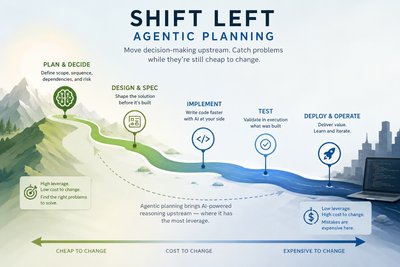
- Shift Left Into Planning
- The Folder That Became a Discipline
- Isolated Development Agents: Reinventing Waterfall With AI
Filed under How software delivery really works
Topic cluster
Software Development Patterns.NET development, API integration, implementation patterns, and the trade-offs that show up in working code.
API Test Spark is live: Website | NuGet Package | GitHub Repository
When API Testing Starts to Feel Too Indirect
Swagger UI and Scalar solve an important problem. They turn OpenAPI metadata into interactive documentation, and for many teams that is exactly the right experience. I still reach for those tools because they make an API visible in a way that raw endpoint lists never will.
The friction starts when I am not trying to document an API. I am trying to build one.
During local development, I often want a tighter loop than endpoint documentation provides. I want to see the generated curl command, request headers, response headers, response body, status code, and timing without jumping between browser tabs, terminal windows, and network inspectors. I want to test the API as the contract evolves, but I also want the debugging surface to be intentionally shaped around how I work when an endpoint is still in motion.
That distinction matters. Documentation tools are optimized for discoverability. A test harness is optimized for feedback.
The idea that emerged was straightforward: build a small React application that reads the local OpenAPI document and turns it into a focused API testing surface. The React app is not trying to replace Swagger, Scalar, Postman, or RESTRunner. It has a narrower job: make the local development loop around a single API faster and more transparent.
This is very much an eat-your-own-dog-food project. I am making a tool for the way I build APIs, and the NuGet packaging idea came from wanting to apply that tool easily across my own API projects first. Getting it right for my workflow is the first constraint. Only after that does it make sense to think carefully about what other developers might need.
That boundary keeps the scope honest. If a feature does not help my local API development loop, or if it makes the package harder to drop into one of my own projects, it probably belongs later. The point is not to anticipate every possible user. The point is to build the smallest useful thing, use it repeatedly, and let real friction shape the next decision.
The more interesting question was not whether the React app could work. That part was familiar. The question was how to share it across .NET API projects without creating another project template, another frontend build step, or another pile of files copied into wwwroot.
The Development Timeline
I have only been working on this project for a short time, but the early decisions shaped everything that followed.
I started on May 18, 2026 with the basic React application foundation. My first goal was to build a standalone SPA and then figure out how to package it cleanly for .NET API projects. By the end of that day, I had the application source, build scripts, and AI agent tooling in place.
What made the work unusual for me was the structured development workflow. I drove each feature through a DevSpark spec-driven pipeline: write the feature specification, run it through an AI critic, refine the design artifacts based on findings, and only then begin implementation. That discipline kept scope pressure visible before I wrote the implementation code.
On May 29, 2026 I had the first NuGet package implementation working. It included embedded resources, an ASP.NET Core endpoint extension, a config endpoint bridging the SPA to the host API, and integration tests that exercised the package from the perspective of a consuming application. Starting with a solid test framework was a must because the package boundary is exactly where silent failures would be easiest to miss.
On May 30, 2026 I tightened the package experience further: automatic React builds triggered by dotnet build, OpenAPI decorator enrichment for the UI, and smart response rendering. That same push turned the project from a package candidate into a published 1.0.0 release.
The result is now live: a published NuGet package, a working demo site, a public GitHub repository, and a React SPA that genuinely understands the OpenAPI v3 contract it is testing against.
Those milestones matter because each one moved friction out of the consuming API project and back into the package boundary, which was the architectural point from the beginning.
The Packaging Question
The first version of a tool like this is easy to imagine as a separate frontend application. Run the API on one port, run the test harness on another, point the harness at openapi.json, and keep moving. That works well enough for one project. It starts to feel awkward when the same tool needs to follow you across multiple repositories.
I did not want each API project to own a cloned copy of the UI. I also did not want every backend repository to learn how to build and deploy the harness. That would turn a productivity tool into another maintenance surface.
The better fit was to treat the harness as infrastructure for the developer experience, not as application source code. If the target API can reference a package and call a single extension method at startup, the harness becomes a reusable capability instead of a repeated implementation.
That led to the approach I settled on: compile the React app, embed the built assets into a .NET 10 class library, package the class library for NuGet distribution, and expose the UI through ASP.NET Core Minimal API routing.
The receiving application gets a small startup hook. The package owns the static assets. The extension method owns the route. The React app owns the browser experience.
There is something satisfying about that boundary.
What Belongs in the Repository
There is a version of this article that could turn into a build manual: MSBuild targets, embedded resource names, route registration, config endpoints, OpenAPI parser behavior, and the exact React state management choices. That version would be useful in a different place.
This article is not that place.
The implementation details belong in the ApiTestSpark repository, where they can change as the tool evolves. A blog post ages poorly when it tries to duplicate the source of truth. The repository can show the exact package structure, build scripts, tests, and sample API. The article should explain why I drew the boundary the way I did.
The boundary I cared about was simple: the consuming API should not have to become a frontend project just to use the harness.
The Package Boundary I Wanted
The package boundary was the central design decision. I wanted my API project to opt in explicitly, but I did not want every API project to learn how the harness was built.
That meant the package needed to own several things that are easy to underestimate: serving the built UI, finding the OpenAPI document, exposing just enough configuration for the browser, and failing visibly when something is misconfigured. Those concerns are implementation details, but the reason for them is narrative: I wanted a tool I could trust when I was moving quickly between my own API projects.
The most important consumer experience is not the name of the extension method. It is the feeling that the tool belongs beside the API without taking over the API. If adding the harness requires a long setup checklist, then I have simply moved the friction from testing into installation.
That is why the NuGet shape matters. The package is not just a distribution format. It is a constraint on complexity.
Reading the Existing API Contract
The other constraint was avoiding a second configuration language too early.
My APIs already describe themselves through OpenAPI. If the harness asks me to maintain its own endpoint catalog, it becomes another thing to forget when I change a route, add a parameter, or adjust a request model. That kind of duplication is exactly what I was trying to avoid.
So the harness reads the API contract that already exists. That decision keeps the tool aligned with the API instead of asking me to synchronize two versions of the same truth.
This is also where the tool has a useful relationship with Swagger and Scalar rather than a competitive one. Those tools remain excellent documentation surfaces. API Test Spark consumes the same underlying OpenAPI contract and uses it to drive a focused testing surface. I do not need it to win a category. I need it to fit the way I build.
What the UI Shows Differently
The UI goal is not to make a prettier endpoint list. It is to make the debugging state obvious.
The left panel shows endpoints grouped by tag with sticky group headers. Each row shows the HTTP method badge, the path, and the operation summary beneath it. Deprecated endpoints carry an amber badge. Hovering shows the full description.
Selecting an endpoint opens the tester on the right. Parameters become labelled inputs with placeholder values from the OpenAPI example fields. The request body textarea is pre-filled with the typed JSON scaffold. A send button fires the request through the debug store and surfaces the response in the same panel.
The response renderer adapts to the shape of the data:
- Array of objects renders as a sortable table. Column headers derive from actual response keys. Clicking any header sorts ascending or descending with a visual indicator. Long cell values are truncated with a title tooltip. A row-count footer confirms the full dataset is also available in the debug panel.
- Single object renders as an editable form. Boolean fields get a
true/falseselect. Number fields get atype=numberinput. Nested objects render as read-only JSON. A "Copy as JSON" button reconstructs typed values. - Raw fallback renders a pre-formatted block for anything that is not a structured JSON response.
The debug panel runs alongside the main content because that is the part of the workflow I kept reaching for. I wanted the request, response, and error story visible without dropping into browser developer tools every few minutes.
There are many ways to design an API testing UI. I chose the one that made my own repeated loop easier: select an endpoint, shape the request, send it, inspect what happened, and keep building.
Safety Without Ceremony
One concern with any developer-only tool is accidental exposure. A local test harness is useful because it is close to the API under development. That same closeness makes it something I want to keep out of production unless I have made a deliberate choice.
The package needs safety defaults that travel with it. I do not want to remember the same defensive setup in every API project. If the harness can own the boring safeguards, then I get the benefit of a reusable tool without adding a new ritual to every application startup.
This is another place where the article should not become the documentation. The exact options belong in the repository. The principle belongs here: the tool should be easy to add, but it should not be casual about where it runs.
The Trade-Offs of Shipping UI in a Package
Packaging a React app inside a NuGet package is useful, but it is not free.
The first trade-off is versioning. Once this moves beyond local use, a package update can change both the server-side route registration behavior and the client-side UI behavior. Release notes will need to account for both. If a UI change alters how requests are generated or how responses are rendered, it can affect the developer's local workflow even if the API project code has not changed. The PublicAPI.Unshipped.txt analyzer enforces that changes to the public .NET surface are deliberate, but there is no equivalent enforcement for React component contracts.
The second trade-off is asset visibility. When static files live in wwwroot, any developer can inspect them in the project tree. When they are embedded resources, they are still inspectable via dotnet tooling, but they are not sitting in the application folder. That is a good thing for cleanliness. It can make debugging package-level asset issues less obvious.
The third trade-off is scope pressure. Once a testing UI exists, it is tempting to add collections, environments, authentication profiles, saved histories, team sharing, generated documentation, load testing, and every other feature that mature API platforms already provide. That path is dangerous because it turns a sharp local tool into an unfunded platform. The DevSpark feature spec process surfaced this pressure explicitly and helped keep the initial scope to a single concrete goal: make the local edit-and-verify loop around a host .NET API faster and more transparent.
MVP Released, Then Evaluate the Next Step
The first public release is intentionally an MVP. It covers the basic workflow I wanted to prove first: mount the harness, load the OpenAPI document, select an endpoint, send a request, inspect the response, and get out of the way.
That MVP boundary matters because the installation experience is part of the product. If the NuGet package starts requiring too many startup changes, too many configuration files, or too much explanation, it has already failed the developer-experience test it was built to solve. The default path should stay close to one package reference and one explicit registration call.
Single endpoint testing is useful, but many real workflows are sequential. Create an entity. Capture the returned identifier. Fetch the entity. Modify it. Submit an update. Verify the final state. That sequence is common enough that manually repeating it through isolated endpoint calls feels inefficient.
The current response renderer is a useful step toward this. The editable form on object responses lets a developer take the result of one call, modify a field, and submit it as the body of the next. That is a manual workflow today, but the data is already structured.
A lightweight chaining model could eventually formalise how values flow from one response into the next request. The result of a POST could capture $.id, store it as a named variable, and substitute it into a later route parameter. The harness would still read OpenAPI for endpoint shapes, but the chain definition would carry the developer's intent across calls.
That is a candidate for later, not something I wanted to force into the first release. The current response-shaping work is already a useful foundation. Extending it into chained workflows may be a narrower problem than building a general workflow engine, but it still deserves real usage feedback before it becomes package surface area.
The question I want to keep asking is simple: does this feature make the local edit-and-verify loop faster without making the package more cumbersome to install, configure, or explain? If the answer is not clearly yes, it probably belongs outside the MVP.
What I Learned from the Shape of the Solution
The useful part of this project was not only the React UI or the package structure. It was the realization that developer tools can be packaged around how they are consumed, not around how they are built.
When a tool is meant to live beside a .NET 10 API, NuGet is a natural distribution channel. When the tool is a browser UI, React is a natural implementation choice. The interesting design move is not choosing one world over the other. It is letting each world do its job and then drawing the package boundary where it reduces friction for the consumer.
The DevSpark spec-driven workflow added something I did not expect to value as much as I did: it forced scope decisions to happen before implementation rather than during it. The critic gate surfaced risks — silent 404 traps from missing embedded resources, sensitive header exposure via the config endpoint, scope creep toward a full Postman replacement — that would have been harder to address after the code was written. Having the critic's findings in the spec, resolved before the first implementation commit, meant that the implementation started from a more honest understanding of the problem.
The biggest lesson is that simple packaging is a feature, not a convenience. The more capability the harness gains, the more carefully I need to protect the install path. A NuGet package that starts as one line in Program.cs can become cumbersome very quickly if every new feature brings another required option, another file, or another mental model.
That is often how useful architecture work feels now. The individual techniques are familiar. The value comes from arranging them so the friction lands in the package, not in every project that consumes it — and from having tooling that understands what "the package boundary" actually means across the full stack.
Explore More
- RESTRunner: Building a DIY API Load Testing Tool - A deeper look at API testing, OpenAPI boundaries, and when building a custom tool makes sense.
- My Journey as a NuGet Gallery Developer and Educator - Related context on packaging decisions and what makes a NuGet package easier to consume.
- Taking FastEndpoints for a Test Drive - A practical API development article that connects endpoint design, OpenAPI metadata, and .NET implementation choices.
- UISampleSpark: Seven UI Paradigms, One Backend - A useful companion for thinking about multiple frontends consuming a common backend API.
Related project evidence
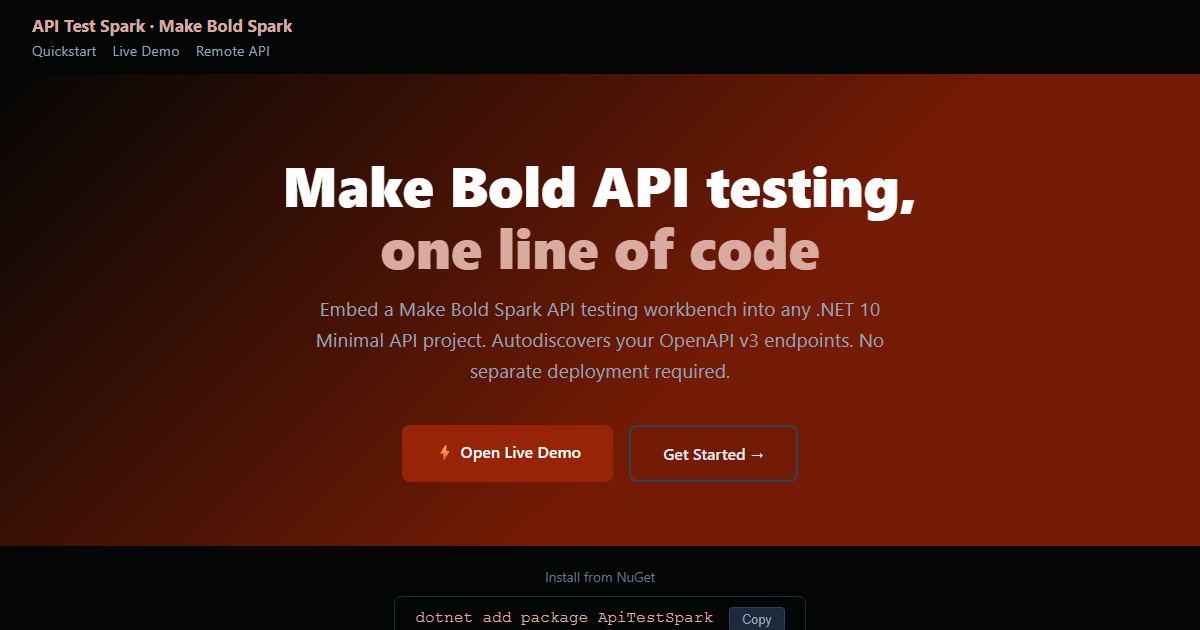
API Test Spark
A NuGet package that embeds an interactive API test harness into any .NET 10 Minimal API with one line of code. It reads the API's own OpenAPI contract, so there is nothing extra to keep in sync.
Thousands of NuGet downloads
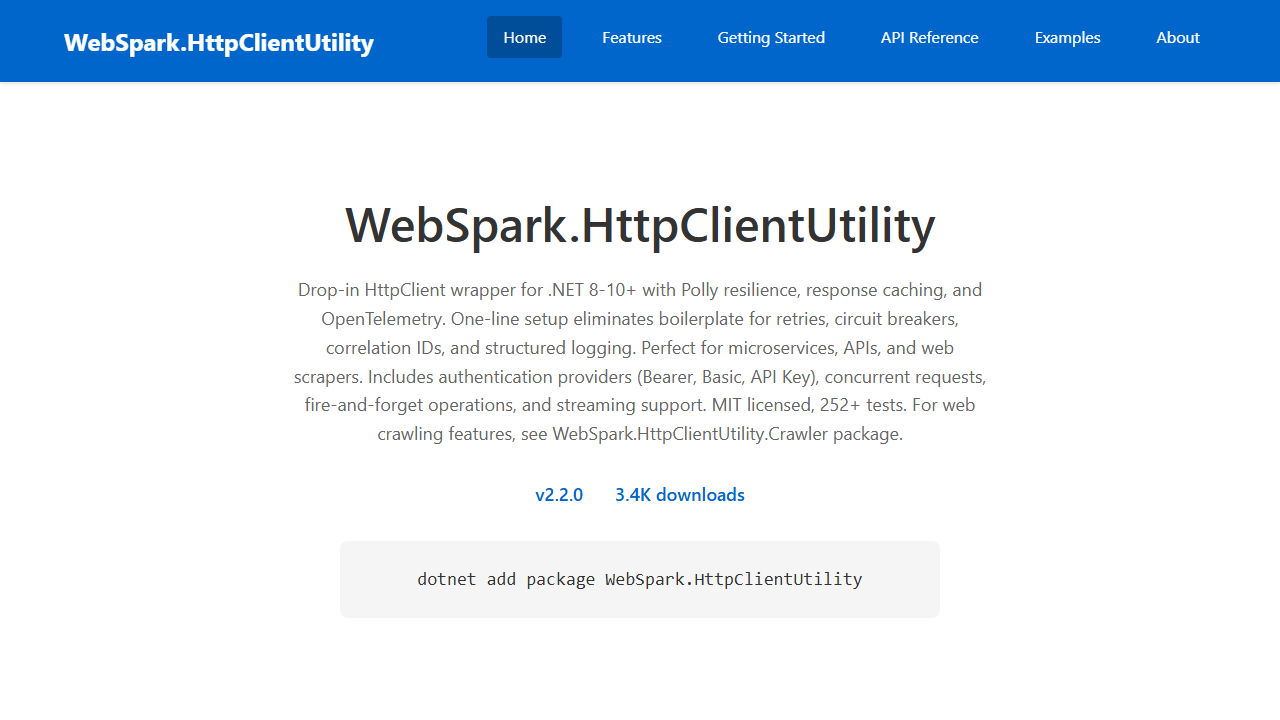
WebSpark.HttpClientUtility
WebSpark.HttpClientUtility is a drop-in HttpClient wrapper for .NET 8-10+ with Polly resilience (retries, circuit breakers), response caching, correlation IDs, and OpenTelemetry tracing — configured in one AddHttpClientUtility() call. Includes a separate Crawler package for web scraping. hundreds of passing unit tests.
Thousands of NuGet downloads
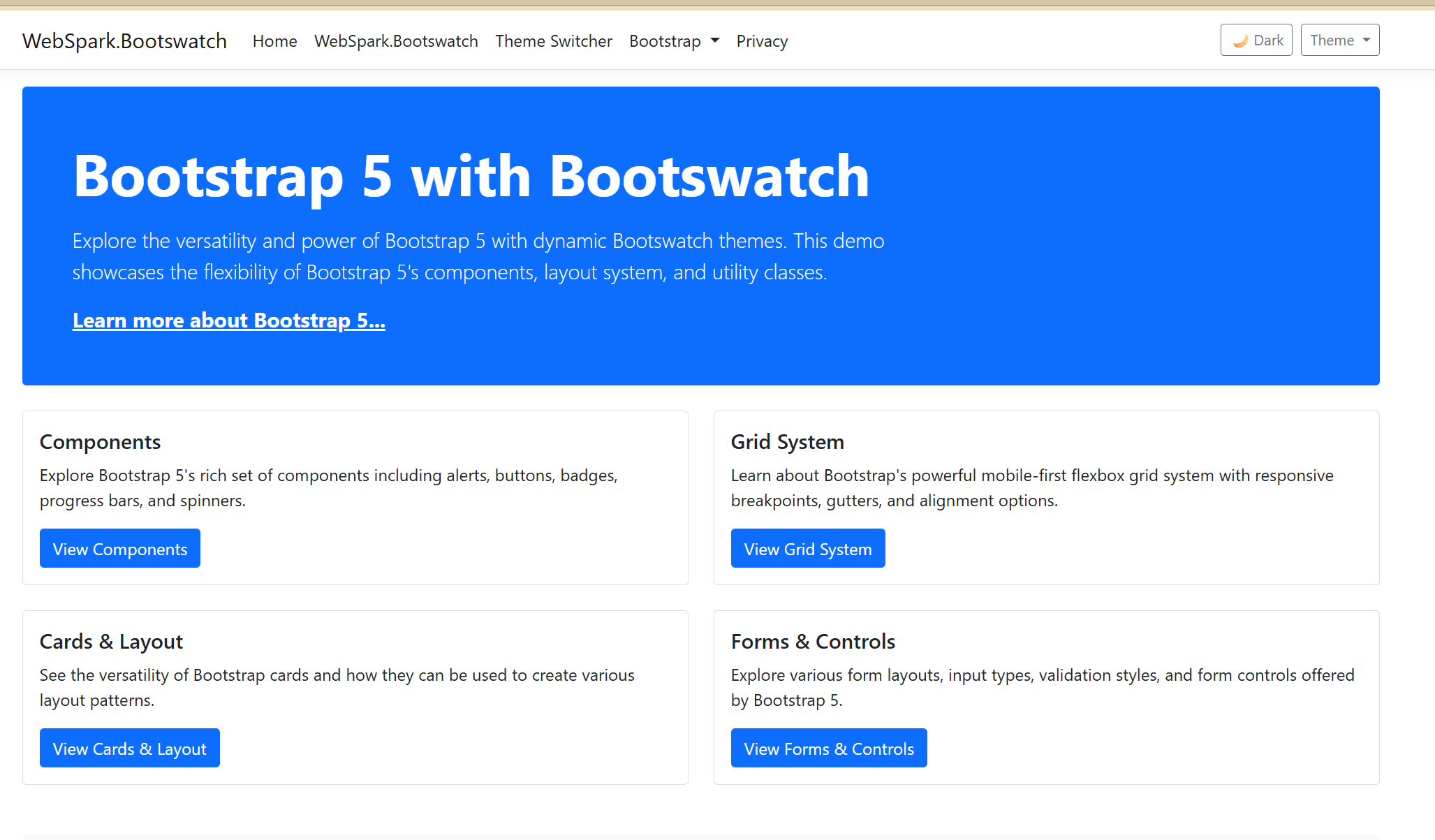
WebSpark Bootswatch Theme Integration Library
WebSpark.Bootswatch is a .NET Razor Class Library (NuGet package) enabling seamless Bootswatch theme integration into ASP.NET Core applications. Version 2.0+ targets .NET 10 exclusively, featuring dynamic theme switching, light/dark mode with auto-detection, tag helper support, and high-performance StyleCache caching.
Thousands of NuGet downloads
Working through something similar?
If this maps to something you're working on, I'm glad to compare notes. Start with the system and the constraint that matters most.