Generate Wiki Documentation from Your Code Repository
Creating detailed documentation is crucial for any code repository. This guide will walk you through the process of generating wiki documentation directly from your code repository, enhancing project transparency and collaboration.
Development Series — 23 articles
- Mastering Git Repository Organization
- CancellationToken for Async Programming
- Git Flow Rethink: When Process Stops Paying Rent
- Understanding System Cache: A Comprehensive Guide
- Guide to Redis Local Instance Setup
- Fire and Forget for Enhanced Performance
- Building Resilient .NET Applications with Polly
- The Singleton Advantage: Managing Configurations in .NET
- Troubleshooting and Rebuilding My JS-Dev-Env Project
- Decorator Design Pattern - Adding Telemetry to HttpClient
- Generate Wiki Documentation from Your Code Repository
- TaskListProcessor - Enterprise Async Orchestration for .NET
- Architecting Agentic Services in .NET 9: Semantic Kernel
- NuGet Packages: Benefits and Challenges
- My Journey as a NuGet Gallery Developer and Educator
- Harnessing the Power of Caching in ASP.NET
- The Building of React-native-web-start
- TailwindSpark: Ignite Your Web Development
- Creating a PHP Website with ChatGPT
- Evolving PHP Development
- Modernizing Client Libraries in a .NET 4.8 Framework Application
- Building Git Spark: My First npm Package Journey
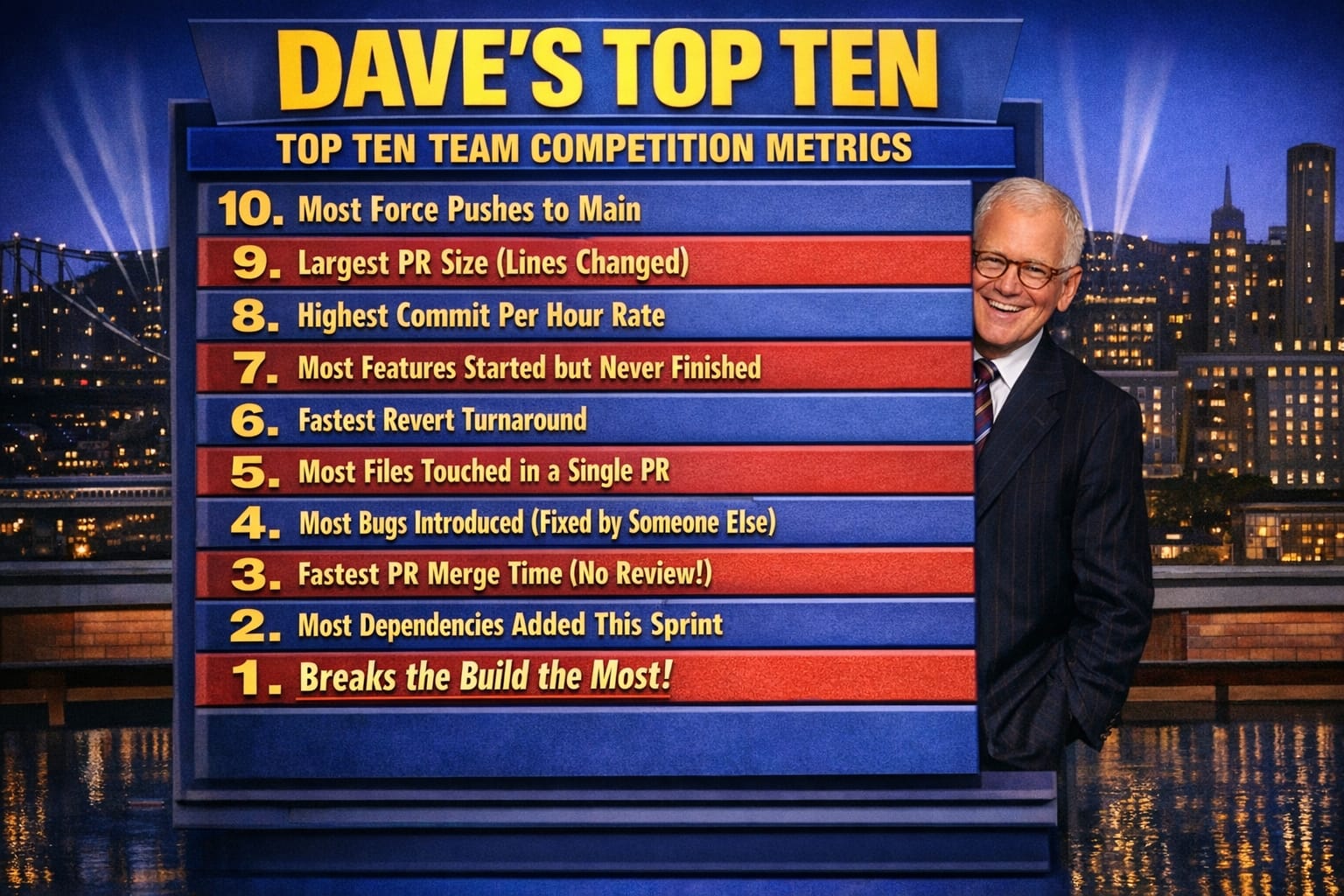
- Dave's Top Ten: Git Stats You Should Never Track
The Documentation Drift Problem
The hardest part of documentation is not writing it — it is keeping it accurate six months after the code has moved on.
On a recent project, I inherited a wiki that described an API endpoint that no longer existed, a deployment process that had been fully automated away, and a "Getting Started" guide that assumed a development environment we had migrated off two years prior. The wiki was confidently wrong. New developers followed it, got stuck, and eventually learned to ignore it entirely. At that point, the documentation was worse than no documentation — it actively misled people and eroded trust in anything else we had written down.
That experience pushed me to build DocSpark, a tool that generates wiki documentation directly from a code repository. The premise is straightforward: documentation that lives close to the code that produces it is more likely to stay current.
How DocSpark Approaches the Problem
DocSpark reads the repository and generates Markdown pages from multiple source types: XML doc comments in .NET classes, README files at the project and directory level, and endpoint metadata from OpenAPI/Swagger definitions serialized as JSON. The output is a structured Markdown wiki that maps to the actual shape of the codebase — not an idealized picture of how it was supposed to work.
What I found useful about building it in .NET is that the XML documentation comment format is already part of the build pipeline. If a developer adds a <summary> tag to a public method, that comment travels through the compiler into an XML file that DocSpark can parse at documentation-generation time. No separate authoring step. No wiki page to remember to update. The documentation update happens as a byproduct of writing the code.
The generated output is plain Markdown. I chose Markdown deliberately because it is portable — it renders on GitHub, in Azure DevOps wikis, in Confluence via plugins, and directly in VS Code. The generation step produces a JSON index alongside the Markdown pages so that the wiki platform can build navigation without reading every file.
Where the Approach Breaks Down
In practice, XML doc comments alone do not produce readable documentation. They tell you what a method does in isolation; they do not explain why the system is structured the way it is, what the failure modes are, or what the team learned from the last incident. That context lives in people's heads and in Slack threads.
The trade-off I have landed on is a two-layer model. DocSpark generates the mechanical layer automatically: method signatures, parameter descriptions, endpoint contracts, configuration values. The human layer — architecture decisions, operational runbooks, onboarding context — stays in hand-authored Markdown files that DocSpark stitches into the same output structure. The generated pages stay accurate because they come from the code. The hand-authored pages stay relevant because they only cover things the code cannot express.
The weakness in this approach is the boundary between the two layers. I have watched teams gradually let the hand-authored pages atrophy because no automation nudges them to update after a significant architectural change. The generated pages make the wiki look comprehensive, which masks the fact that the strategic documentation is stale. It is a subtler version of the original problem.
Running DocSpark Against a Repository
The typical integration point is the CI pipeline. DocSpark runs as a step after the build succeeds, reads the compiled XML files and any README files it finds, and writes the Markdown output to a docs branch or pushes directly to the wiki repository. In Azure DevOps, the wiki is a Git repository you can push to; in GitHub, you push to the gh-pages branch or a dedicated wiki repo. Either way, every successful build produces a documentation update without anyone filing a ticket to remember to do it.
The JSON index file DocSpark generates includes the last-modified timestamp for each page, derived from the Git history of the source files that contributed to it. This gives the wiki platform enough information to surface stale pages — anything last modified more than ninety days ago gets a visual indicator in the navigation. It is a blunt heuristic, but in my experience, the pages that have not changed in three months are usually the ones most worth reviewing.
What I Would Do Differently
If I were designing DocSpark from scratch today, I would decouple the generation model from the output format earlier. The current architecture writes Markdown directly, which works well for wikis but makes it harder to target other outputs — structured documentation sites, PDF exports, or embedded help panels in a UI. Representing the intermediate state as a typed object model and treating Markdown as one of several renderers would have been the right call, and it is a refactor I have been putting off.
The other thing I would revisit is the decision to parse XML doc comments at documentation-generation time rather than at build time. Doing it at build time would let the compiler validate that the comments reference real symbols, catching documentation rot at the source. The current approach means DocSpark can silently reference a method that was renamed three months ago.
Explore More
- Decorator Design Pattern - Adding Telemetry to HttpClient -- Adding Telemetry to HttpClient in ASP.NET Core
- NuGet Packages: Benefits and Challenges -- Exploring the Pros and Cons of NuGet Packages
- Mastering Git Repository Organization -- Enhance Collaboration and Project Management with Git
- Guide to Redis Local Instance Setup -- Master the Setup of Redis on Your Local Machine
- CancellationToken for Async Programming -- Enhancing Task Management in Asynchronous Programming